



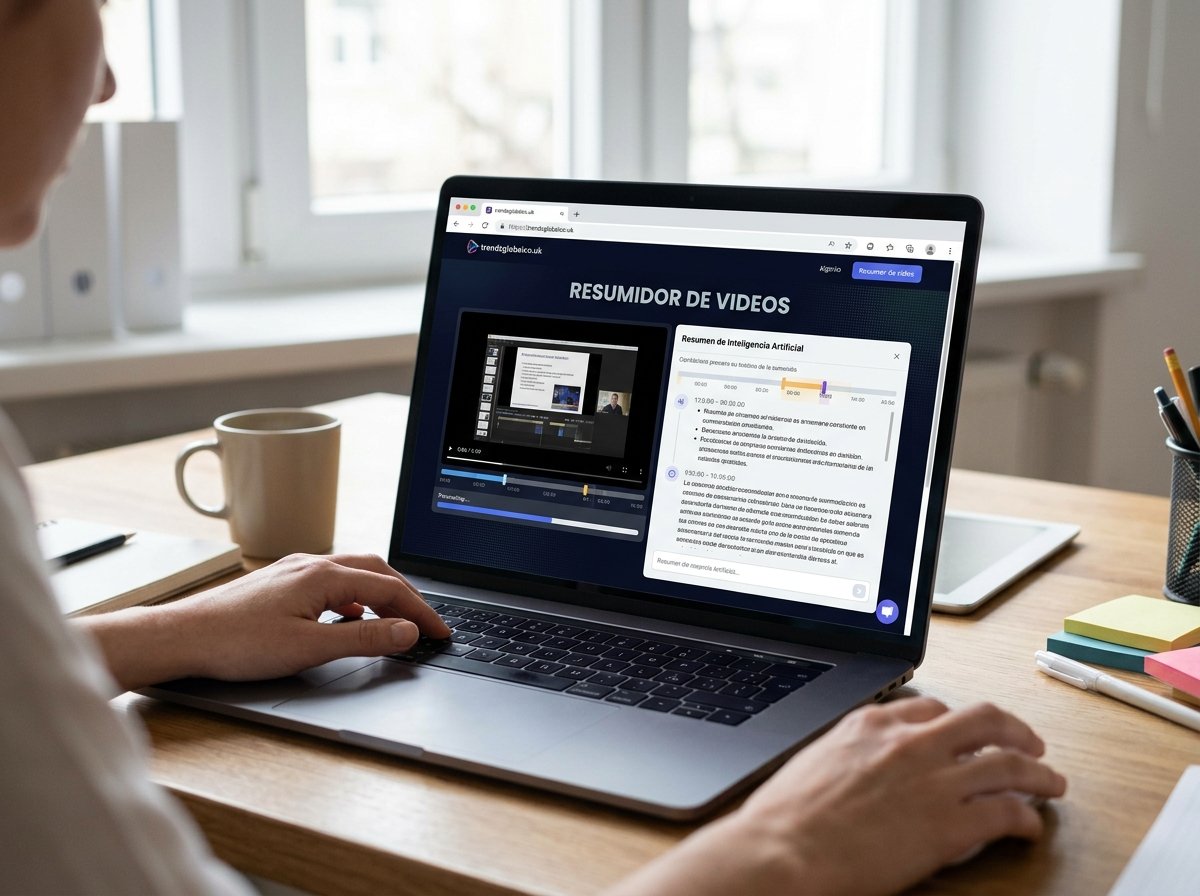
A video summarizer is a tool that uses artificial intelligence to identify the main ideas in a video and present them in a shorter text format. It can help summarize YouTube videos, online classes, tutorials, interviews, and other types of video content without requiring you to watch every minute.
These tools are useful for students, teachers, researchers, professionals, and content creators. Instead of taking notes manually throughout a long video, you can get a summary of the most relevant points, depending on the features offered by the tool.
Some video summarizers work through a video link, while others allow users to upload files or process transcripts. The final result depends on audio quality, language, video length, and the available features.
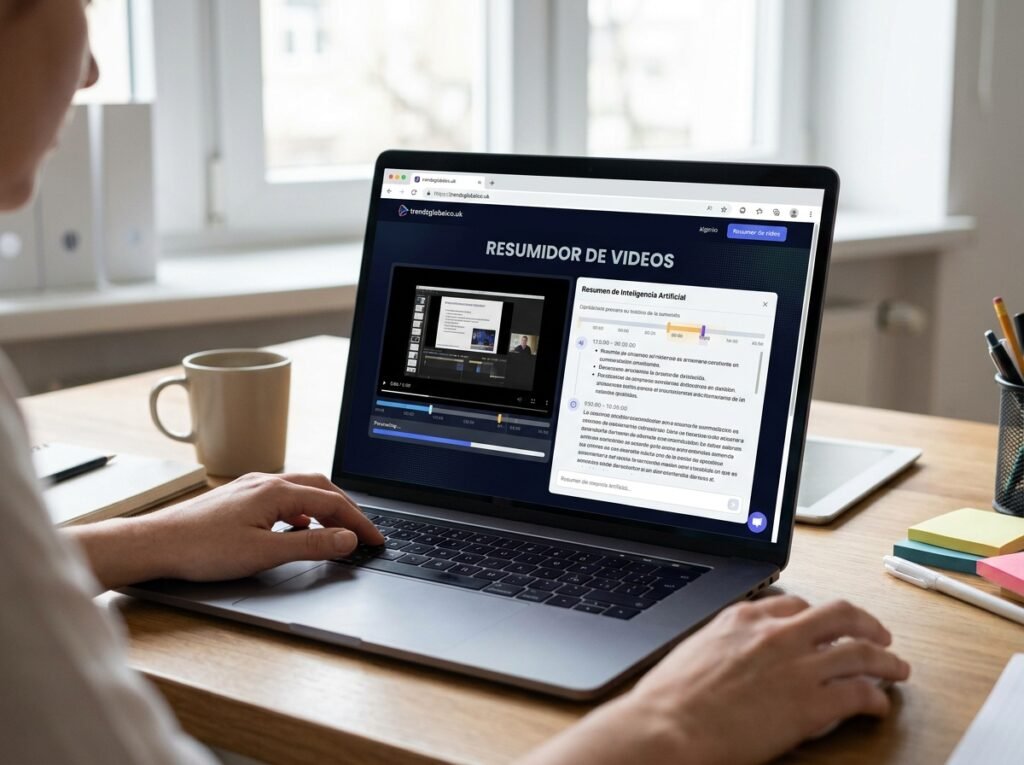
What Is a Video Summarizer?
A video summarizer is an online application or service that turns video content into a shorter written summary. Its purpose is to present the most important information without requiring users to watch the entire video from beginning to end.
For example, if you find a one-hour history lecture, a video summarizer may help you identify the main events, dates, and important explanations. The summary might appear as a short paragraph, a list of key ideas, or detailed study notes.
A summary is different from a transcript. A transcript records the words spoken in a video, while a summary reduces that information and keeps the central ideas. Some tools offer both features, although the available options depend on the service.
How Does an AI Video Summarizer Work?
An AI video summarizer usually starts with a video link, a media file, or a transcript. If the platform supports YouTube links, it may try to access the video content or available captions. When you upload a file, the tool may process its audio to recognize the spoken words.
The system then analyzes the extracted text and identifies the main topics, explanations, and information that appears most relevant. Some tools can also recognize timestamps and organize the results into chapters or sections.
Finally, the tool creates a summary based on your request. You may receive a short overview, study notes, questions and answers, or a list of important concepts. However, AI can leave out details, misunderstand a sentence, or present incomplete information. It is a good idea to check important facts against the original video.
How to Summarize a Video Step by Step
Summarizing a video with AI is usually a simple process. First, choose a tool that works with the platform where your video is hosted. Check whether it supports links, uploaded files, or transcripts because not every service works with the same formats.
Next, paste the video link or upload the file if the tool allows it. If you can choose the summary format, select one that fits your purpose. A student may need detailed notes, while someone looking for quick information may prefer a summary of just a few paragraphs.
Once the summary is ready, read it and compare the main points with the original content. If you need more information about a particular topic, ask for further explanation or review the relevant timestamp, provided the tool supports these features. This step helps you find errors and recover details that may have been left out.
Best Uses of a Video Summarizer
Students can use a video summarizer to review recorded classes, lectures, and explanations of difficult subjects. An organized summary helps them find important concepts before an exam and prepare study notes. However, it should not completely replace reviewing examples or explanations that are necessary to understand the subject.
Teachers and researchers can also use these tools to review educational material, interviews, and presentations. Instead of searching manually through a long recording, they can read the summary and locate the sections they need to study more closely.
For content creators, a video summarizer can support research during content planning. Professionals can use it to review meeting recordings, product demonstrations, and training sessions. If a video contains important decisions, pending tasks, or confidential information, verify the details and check the service’s privacy policies before using it.
What Is the Best Free Video Summarizer?
The best free video summarizer depends on the type of content you want to process and the features you need. Some tools summarize videos through links, while others focus on transcripts or uploaded files.
Before choosing a tool, check its maximum video length, the number of summaries available, and supported languages. You should also check whether it offers timestamps, note exports, questions about the video, or complete transcripts. These features may be more useful than a simple interface if you regularly work with educational or professional content.
Pay attention to the conditions of the free plan. A service may allow short summaries but charge for longer videos or additional requests. You should also review how the tool handles uploaded files and personal data. No single tool is the best choice for every user. The right option is one that meets your needs without placing limits that interfere with your work.
Benefits of Using an AI Video Summarizer
One of the main benefits is the ability to find information without manually reviewing an entire recording. This is useful when you have several videos to review and only need to understand their main topics before deciding which ones require a full watch.
Another benefit is easier revision. A written summary can help you remember concepts, prepare questions for a class, or collect information from different sources. If the tool includes chapters or timestamps, you can return to a specific explanation more easily.
These applications can also help people who prefer reading before watching a complete video. However, a short summary may not preserve the speaker’s tone, visual examples, or details that give an explanation its full meaning. When learning a procedure, understanding a demonstration, or checking an important claim, watching the original section is still a good practice.
Can You Summarize a YouTube Video Without Downloading It?
Yes, you can summarize some YouTube videos without downloading them, as long as the selected tool supports YouTube links and can access the required content. In many cases, the service uses captions or a transcript to identify the main ideas and create a summary.
The process usually involves copying the video URL, pasting it into the summarizer, and requesting a summary. Some tools let you choose the summary length or ask questions about the content. The exact features depend on the service, so check its instructions before getting started.
Not every link will work. Private videos, age-restricted content, videos with certain access restrictions, or videos without accessible captions may cause problems. If the link cannot be processed, check whether the platform supports transcripts or uploaded files. Always respect copyright and the terms that apply to the content.
How to Choose a Video Summarizer for Your Needs
If you are a student, look for a tool that creates detailed notes, explains concepts, and organizes information by topic. The option to generate a transcript can be helpful when you need to review a definition or check a particular sentence.
If you work in a business, pay attention to privacy options, file handling, and the ability to export results. For meeting summaries, check whether the tool can distinguish between speakers or identify tasks and decisions. Do not assume that every video summarizer offers these features.
Content creators may prefer an application that generates chapter summaries and lets them ask questions about the video. People who work with multiple languages should check whether the system recognizes the original language and can produce a summary in another language. Before paying for a subscription, test the tool with a video similar to the content you normally use.
What Are the Limitations of an AI Video Summarizer?
A video summarizer does not always interpret the entire video correctly. Background noise, accents, fast speech, technical terms, and poor audio quality can cause transcription errors. If the source text is incorrect, the summary may also contain inaccurate information.
Another limitation is the loss of context. A long explanation may include exceptions, warnings, and examples that do not appear in the final summary. In videos containing charts, visual demonstrations, or on-screen text, a tool that relies mainly on audio may miss important information.
There may also be restrictions on video length, access to captions, and free-plan features. To reduce these problems, check important claims against the original source and avoid sharing private information with services whose data-handling policies you have not reviewed.
Tips for Getting Better Video Summaries
Start by choosing a video with clear audio and content related to your goal. If a transcript is available, check that it is complete and matches the correct video. A good-quality source helps reduce errors during processing.
Adjust the summary length to suit your needs. A few paragraphs may be enough to understand a topic quickly. For exam preparation or meeting documentation, you may prefer detailed explanations, key concepts, and timestamps when available.
You can also give the tool specific instructions. For example, ask for a summary in English, a simple explanation of technical terms, or a list of the main ideas. Afterward, check names, figures, dates, and claims that could affect a decision. If the summary seems too general, review the relevant sections instead of assuming that it contains every important detail.
Conclusion
A video summarizer can turn long recordings into shorter texts that are easier to review. It can help with studying, research, tutorial reviews, and meeting notes. The best option depends on the video type, language, length, and features you need.
Before using a tool, check its limits, privacy policies, and compatibility with your content. Treat the summary as a starting point and review the original video whenever accuracy or context matters. This approach can save time without requiring you to rely entirely on information generated by artificial intelligence.
Frequently Asked Questions About Video Summarizers
What Is a Video Summarizer?
A video summarizer is a tool that uses artificial intelligence or other processing methods to turn video content into a written summary. It can present the main ideas and may include notes, chapters, or timestamps, depending on the service.
What Is the Best Free Video Summarizer?
The best option depends on your needs. Compare video length limits, supported languages, YouTube compatibility, summary quality, and free-plan conditions. Try different tools before choosing one for regular use.
How Do You Summarize a YouTube Video with AI?
Copy the video link, paste it into a compatible tool, and request a summary. If the service cannot access the content, check whether it supports captions, transcripts, or manually uploaded files.
Is There a Video Summarizer That Does Not Require Registration?
Some tools allow users to generate summaries without creating an account, while others require registration to access their features. Requirements may change, so check the service’s current conditions before using it.
Can I Summarize a Video in English?
Yes. You can use tools that support English videos or process English transcripts. The quality of the result depends on speech recognition, audio clarity, and the language features offered by the service.
Can Long Videos Be Summarized?
Many tools support long videos, but they may set limits on duration, file size, or monthly usage. If a video exceeds the allowed limit, check whether you can split it into smaller sections or use a compatible transcript.
Does a Video Summarizer Also Generate Transcripts?
Some tools offer both features. A transcript records the words spoken in a video, while a summary selects and organizes the main ideas. Check the available features if you need to preserve more of the original spoken content.
Are AI-Generated Video Summaries Reliable?
They can be useful for getting an overview, but they are not always accurate. They may leave out details, misinterpret terms, or lose context. Check important claims against the original video, especially when dealing with academic, technical, or professional information.
