



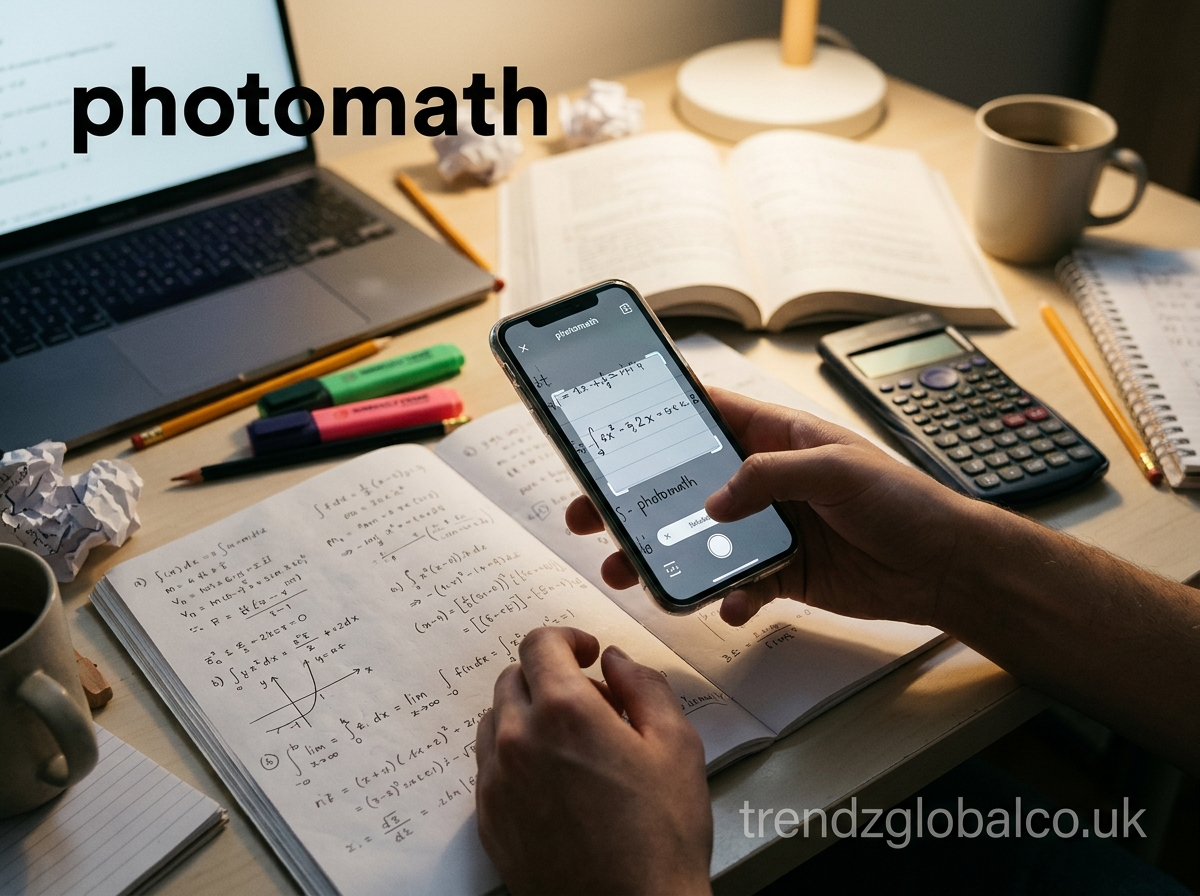
Mathematics can become difficult when a problem involves several calculations or unfamiliar formulas. Students often need more than a final answer. They want to understand how a solution works and which steps lead to the correct result. photomath is a math-solving app designed to help with this process by allowing users to scan or enter mathematical problems and view their solutions.
The app uses camera-based recognition to read printed and handwritten equations. It then provides a solution with explanations that help users follow the calculation process. It supports different areas of mathematics, including arithmetic, algebra, geometry, trigonometry, and calculus.
Students can use photomath when working on homework, checking calculations, or reviewing topics they find difficult. Teachers and parents can also use it as an additional learning resource. However, the best way to use a math solver is to study the explanation rather than simply copy the final answer.
This guide explains what photomath is, how it works, its main features, supported math topics, pricing, benefits, and limitations.
What Is photomath?
photomath is a mobile mathematics application that helps users solve math problems using a smartphone camera or manual input. Instead of typing a complete equation into a traditional calculator, users can point their camera at a printed or handwritten problem. The app recognizes the mathematical expression and displays a solution.
Its main purpose is to make mathematical problem-solving easier to understand. A regular calculator usually provides a numerical result, while photomath focuses on showing how a problem can be solved. Depending on the problem and available features, users can see individual calculation steps and explanations of the methods used.
The app is useful for students studying mathematics at different educational levels. Someone learning basic arithmetic can use it to check calculations, while a student studying algebra can review equation-solving methods. It also covers more advanced subjects, including calculus.
photomath is available for Android and iOS devices. Users can download the app from the relevant app store and use its scanning or input features to work with mathematical questions.
How Does photomath Work?
photomath uses optical character recognition (OCR) and mathematical processing technology to identify mathematical expressions. OCR helps the app recognize numbers, symbols, and equations from an image. After identifying the problem, the application processes the expression and generates a solution.
The process begins when a user scans a math question with a smartphone camera. The app detects the equation within the camera frame and attempts to convert the image into a readable mathematical expression. Users can review the recognized equation before viewing the answer.
For example, if someone scans a simple equation such as:
\[ 2x+6=14 \]
The app identifies the equation and can display the steps:
\[ 2x+6=14 \]
\[ 2x=14-6 \]
\[ 2x=8 \]
\[ x=4 \]
This allows students to see why the answer is 4 instead of receiving only the final result.
Users can also enter mathematical expressions manually when scanning is not convenient. The accuracy of recognition depends on image quality, handwriting clarity, and the complexity of the expression. It is always a good idea to check whether the app has recognized the original question correctly.
How to Use photomath to Solve Math Problems
Using photomath does not require advanced mathematical knowledge. Its camera-based interface makes it easier to enter questions and review their solutions. Users can follow a few simple steps to solve different types of problems.
First, download and open the photomath app on an Android or iOS device. Allow camera access if you want to scan questions directly. Make sure the mathematical problem is clearly visible and that the camera can capture the complete expression.
Next, point the camera toward the equation. Keep the phone steady and position the problem inside the scanning area. The application will attempt to recognize the numbers, operators, and mathematical symbols.
After scanning, review the detected expression. If the app has recognized a symbol incorrectly, adjust the image or enter the equation manually. This step matters because even a small difference in a mathematical expression can change the final answer.
Once the equation is recognized, select the displayed solution to view the available steps. Read each step carefully and compare it with the original problem. Try solving the same question independently afterward to check whether you understand the method.
For better learning, use the app to check your work after attempting a problem yourself. This approach helps you identify mistakes and understand the rules behind each calculation.
What Types of Math Problems Can photomath Solve?
photomath covers several areas of mathematics, from basic calculations to advanced topics. The available solutions depend on the type and complexity of the question. Students can use it to review school mathematics, practice equations, and understand different calculation methods.
Basic arithmetic is one of the common uses of the app. It can help with addition, subtraction, multiplication, division, fractions, decimals, percentages, and other number-related calculations. These topics are useful for younger students who are learning fundamental mathematical rules.
Algebra and equations are another important area. Students can enter linear equations, expressions, polynomial problems, and other algebraic questions. The app can show how to simplify expressions, isolate variables, and work through equation-solving steps.
Geometry involves shapes, angles, measurements, and mathematical relationships. photomath can help users work with supported geometry questions and understand the calculations needed to find missing values.
Trigonometry includes topics such as sine, cosine, tangent, and angle relationships. Students can use the app to check calculations and review solutions to supported trigonometric expressions.
Calculus is useful for students studying limits, derivatives, and integrals. photomath also covers advanced mathematical topics, although not every complex problem or method is supported.
The app’s official website lists elementary mathematics, algebra, geometry, trigonometry, statistics, and calculus among its subject areas. Math Explained+1
Key Features of photomath
photomath includes several features that make it different from a basic calculator. Its main purpose is to help users understand mathematical solutions instead of showing only a final number.
The camera scanning feature allows students to capture mathematical questions from textbooks, worksheets, notebooks, and screens. This saves time when entering longer expressions manually. The app can also recognize handwritten problems, although clear writing helps improve recognition.
Step-by-step explanations are another important feature. Instead of displaying only an answer, the app breaks a supported problem into smaller steps. Students can follow the calculations and learn how mathematical rules are applied.
The application also provides multiple solution methods for some questions. This can help students understand that a mathematical problem may have more than one valid approach. They can review the available methods and compare how each one reaches the result.
Interactive graphs help users explore mathematical functions and understand how equations relate to visual representations. The app also includes a scientific calculator for entering and solving mathematical expressions.
For users who want additional learning support, Photomath Plus offers premium features such as AI-powered animated tutorials, contextual hints, and deeper explanations. App Store+1
Is photomath Free to Use?
Yes, photomath offers a free version that includes core mathematical features. Users can scan equations, enter expressions, and access step-by-step solutions without purchasing a subscription. This makes the basic app useful for students who need help checking homework or understanding everyday math problems.
The app also offers a paid subscription called Photomath Plus. It is designed for learners who want more detailed guidance and additional teaching resources. Premium features include animated tutorials, extra hints, and deeper explanations for supported problems.
The difference between the free and paid versions mainly concerns the amount of learning support available. The free version provides basic step-by-step solutions, while the paid version adds further explanations and visual learning tools.
Subscription prices can vary by country, platform, and available offer. Users should check the price displayed inside the app or their app store before purchasing. They should also review the renewal and cancellation terms to avoid unexpected charges.
According to Photomath’s official help information, the basic step-by-step solution features remain free, while additional learning features are available through Photomath Plus. Photomath Help+1
photomath for Students, Teachers, and Parents
photomath can be useful for different people involved in mathematics education. Its value depends on how it is used and whether users take time to understand the solutions.
For students, the app can provide help when a textbook explanation or classroom lesson is difficult to follow. They can scan a question, review the solution, and identify the steps they may have missed. It is also useful for checking completed homework and preparing for mathematics tests.
Teachers can use photomath as an additional teaching resource. For example, they can compare different solving methods, demonstrate calculation steps, or recommend the app for independent practice. It should support classroom teaching rather than replace the teacher’s explanation and guidance.
Parents can also use the application when helping children with homework. If they are unsure how to explain a particular calculation, they can review the solution steps and use them to discuss the problem with their child.
The best results come when learners attempt a question first and use the app to understand mistakes. Photomath’s educational guidance also describes ways students, teachers, and parents can use it at home and in class. Photomath Help+1
Benefits and Limitations of photomath
One major benefit of photomath is that it makes mathematical questions easier to enter. Students do not always need to type long equations because the camera can recognize many printed and handwritten expressions.
Its step-by-step explanations are also useful for learning. Students can review how an answer was calculated and understand which mathematical rule applies at each stage. This can be helpful when studying independently or revising before an examination.
Another benefit is that the app supports several mathematical subjects. Users can work with basic arithmetic, algebra, geometry, trigonometry, and other supported topics in one application. The free version also gives learners access to core solving features without requiring a paid subscription.
However, the app has limitations. Camera recognition may fail when handwriting is unclear, symbols overlap, or the image is poorly positioned. A wrongly recognized equation can produce an answer that does not match the original question.
Some advanced or unusual problems may not receive the expected solution. Students should also remember that seeing a correct answer does not automatically mean they understand the topic.
An important limitation is its internet requirement. Photomath’s help center explains that its current solving system uses cloud technology, so users need a stable internet connection to access solutions. Photomath Help+1
For these reasons, students should check the recognized equation, review the explanation, and compare important answers with their textbooks or teacher’s guidance.
photomath vs. Other Math Solver Tools
Different math-solving tools serve similar purposes, but their features and learning approaches can vary. Some applications focus mainly on calculating answers, while others provide detailed explanations, graphs, or support for specific mathematical subjects.
photomath is particularly useful for people who prefer scanning a question instead of entering a complete equation manually. Its camera-based input and step-by-step solutions make it a practical choice for homework and mathematics practice.
Traditional scientific calculators are useful for numerical calculations, but they may not explain every step involved in solving an equation. Online equation solvers can also provide answers and working steps, depending on the tool.
When choosing a math solver, users should consider the subjects they study, the quality of explanations, supported input methods, and whether the required features are free or paid.
No single application is the right choice for every mathematical question. A student who needs to scan textbook exercises may prefer photomath, while someone who needs a specialized calculator may choose another tool. The most useful option is the one that helps the learner understand the method and check the result.
Frequently Asked Questions About photomath
Is photomath free?
Yes. photomath offers a free version with mathematical scanning, calculator input, and step-by-step solutions. Users can also purchase Photomath Plus to access additional learning features, including animated tutorials and deeper explanations.
Can photomath solve math problems from a picture?
Yes. Users can point their smartphone camera toward a printed or handwritten mathematical problem. The app recognizes the expression and generates a solution. Clear images and readable handwriting can help improve recognition accuracy.
Does photomath show step-by-step solutions?
Yes. photomath provides step-by-step explanations for supported mathematical problems. Students can follow the calculations, review individual steps, and understand how the final answer is reached.
Can photomath solve algebra and calculus?
Yes. The app supports algebra and calculus, along with other mathematical subjects. However, the availability of solutions depends on the complexity and type of problem.
Is photomath accurate?
photomath can provide accurate solutions for supported problems, but users should not assume every result is correct. Scanning mistakes, unclear handwriting, and unsupported expressions can affect the answer. Always check the recognized equation and review the solution.
Can I use photomath without an internet connection?
No. Photomath currently requires a stable internet connection to access its cloud-based solving system. Users may experience problems loading solutions when their connection is unavailable or unstable. Photomath Help+1
Is photomath available for Android and iPhone?
Yes. photomath is available for Android and Apple devices. Users can download it through Google Play or Apple’s App Store, depending on their device. Apps on Google Play+1
Is photomath useful for learning mathematics?
Yes. It can help students understand calculations, review mathematical rules, and identify mistakes. However, students should attempt problems independently and use the explanations as learning support instead of copying answers without understanding them.
Conclusion
photomath is a useful math-solving application for students, teachers, and parents who need help with mathematical questions. Its camera scanning feature makes it easy to enter equations, while step-by-step explanations help users understand how different problems are solved.
The app supports several areas of mathematics, including arithmetic, algebra, geometry, trigonometry, and calculus. Its free version provides basic solving features, while Photomath Plus offers additional learning resources for users who need more detailed guidance.
Although photomath can save time and make difficult calculations easier to follow, it should be used as a learning aid rather than a replacement for mathematical practice. Students who review each step, check their answers, and solve similar questions independently can get more educational value from the application.
