



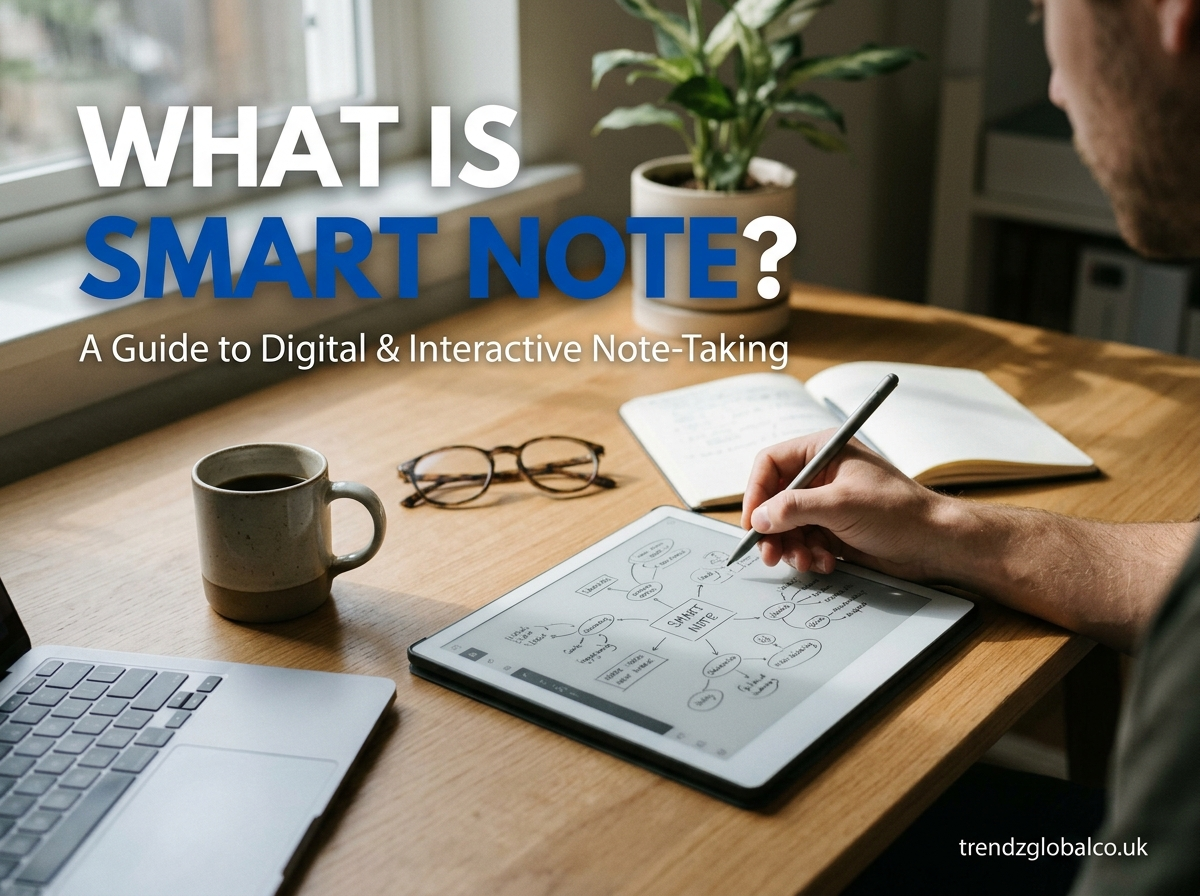
Quick answer: Smart Note is a digital note-taking tool that uses automation and AI to capture, organize, summarize and search your notes for you. Unlike a plain notepad, it turns scattered text, voice memos and ideas into structured, searchable information you can find and reuse in seconds.
Key takeaways
- Smart Note goes beyond storing text: it organizes, summarizes and connects your notes automatically.
- It saves time for students, professionals and teams by removing manual sorting and searching.
- It works best when you capture notes consistently and use tags, search and AI summaries together.
- You can start for free in a few minutes on mobile or desktop.
What Is Smart Note?
Smart Note is a note-taking solution designed to do more than record what you type. It helps you capture information in different formats (typed text, voice, images, links), then uses smart features such as auto-organization, AI summaries and powerful search to make that information useful later.
A traditional notes app is like a drawer: you drop things in and hope to find them again. Smart Note is closer to a personal assistant: it sorts what you save, highlights what matters and brings it back when you need it.
How is Smart Note different from normal notes?
| Normal notes | Smart Note | |
|---|---|---|
| Organization | Manual folders | Auto-tagging and suggested structure |
| Search | Basic keyword match | Smart, context-aware search |
| Summaries | You write them | Generated in seconds |
| Formats | Mostly text | Text, voice, images, links |
| Reuse | Copy and paste | Linked, reusable notes |
Who is Smart Note for?
- Students: Turn lectures and reading into clean study notes and quick revision summaries.
- Professionals: Capture meeting notes, action items and ideas without losing them.
- Teams: Keep shared knowledge in one place so nothing lives in someone’s private notebook.
- Creators and freelancers: Collect research, drafts and client details in one searchable library.
How Does Smart Note Work?
Smart Note follows a simple flow from capture to recall:
- Capture: Type a note, record a voice memo, upload an image or save a web link.
- Process: The tool reads your content and extracts key points, topics and tasks.
- Organize: Notes are tagged and grouped automatically, and you can adjust them manually.
- Summarize: Long notes are condensed into short, readable summaries.
- Search and retrieve: Ask a question or type a keyword and find the exact note in seconds.
- Sync: Your notes stay up to date across your phone, tablet and computer.
If your version of Smart Note includes AI, it can also rewrite rough notes into clear text, suggest action items and answer questions about what you have saved.
Top Features and Benefits
Automatic organization
Smart Note tags and groups your notes so you do not have to maintain folders by hand. For example, a meeting note mentioning a client name is filed with that client’s other notes automatically.
AI summaries
Paste a long article or a one-hour meeting transcript and get a short summary with the main points. This is ideal for quick review before an exam or a call.
Smart search
Search by meaning, not only exact words. Looking for “budget discussion from last month” can surface the right note even if you never typed those exact words.
Voice and image capture
Record a quick voice memo while walking or snap a photo of a whiteboard. Smart Note converts it to text you can search and edit.
Tasks and reminders
Action items inside notes can be pulled out as to-dos with due dates, so decisions turn into follow-through.
Cross-device sync
Start a note on your phone and finish it on your laptop with no manual transfer.
Collaboration
Share notes or whole notebooks with classmates and colleagues, and edit together.
| Feature | Benefit | Best for |
|---|---|---|
| Auto-organization | Saves hours of sorting | Everyone |
| AI summaries | Faster review and understanding | Students, managers |
| Smart search | Find anything in seconds | Researchers, professionals |
| Voice capture | Capture ideas hands-free | Busy professionals |
| Tasks and reminders | Turn notes into action | Teams, freelancers |
| Sharing | Collaborate in one place | Teams, study groups |
Smart Note vs. Other Note-Taking Apps
There are many note-taking tools, and the right choice depends on how you work. Here is a fair way to compare them:
| Consideration | Smart Note | Traditional notes apps | All-in-one workspace tools |
|---|---|---|---|
| Setup effort | Low | Low | Medium to high |
| Automation and AI | Core focus | Limited or add-on | Varies |
| Learning curve | Gentle | Very gentle | Steeper |
| Best for | Fast capture and recall | Simple lists and memos | Databases, wikis, project management |
Pros of Smart Note: quick to start, strong at organizing and retrieving information, saves manual effort.
Cons to consider: if you need heavy database-style project management, a full workspace tool may suit you better. Always check current pricing, privacy terms and offline support before committing.
Real-Life Use Cases
Study notes: A student records a lecture, gets a typed transcript and a summary, then uses the key points as flashcard material before exams.
Meeting notes: A project manager captures a call, extracts action items automatically and shares them with the team in one click.
Project planning: A freelancer keeps client briefs, research links and deadlines in one notebook and finds any detail instantly.
Personal knowledge: Save articles, book highlights and ideas, then search them months later when you need inspiration.
How to Get Started With Smart Note
- Visit the official website or open your device’s app store.
- Download the app or sign in on the web.
- Create your account with email or a social login.
- Create your first notebook, for example “Work” or “Study”.
- Add a note by typing, speaking or uploading a file.
- Try the summary and search features on that first note.
- Enable sync on your other devices.
Tip: Capture everything in one place for the first week. The more you save, the more useful search and summaries become.
Frequently Asked Questions
What is Smart Note?
Smart Note is a note-taking tool that automatically organizes, summarizes and searches your notes, so you spend less time managing information and more time using it.
Is Smart Note free?
Many note-taking tools offer a free plan with basic features and paid plans for advanced AI and storage. Check the official pricing page for the current options.
What is the difference between Smart Note and normal notes?
Normal notes store what you type. Smart Note adds automation: auto-tagging, summaries, smart search and task extraction.
Does Smart Note work on mobile?
Yes, it is designed to work across smartphones, tablets and computers, with your notes synced between them.
Is my data safe in Smart Note?
Reputable note apps use encryption and account protection. Review the privacy policy, and enable two-factor authentication if it is available.
Can I use Smart Note for studying?
Yes. Summaries, voice capture and searchable notes make it well suited for lectures, revision and research.
Can teams use Smart Note together?
Yes. You can share notebooks, edit together and keep team knowledge in one searchable place.
Do I need to be technical to use it?
No. Capturing a note takes a few seconds, and most smart features work automatically.
Conclusion
Smart Note turns note-taking from a storage habit into a productivity system. By capturing information quickly and letting automation handle sorting, summarizing and searching, it helps students, professionals and teams stay organized with far less effort.
