



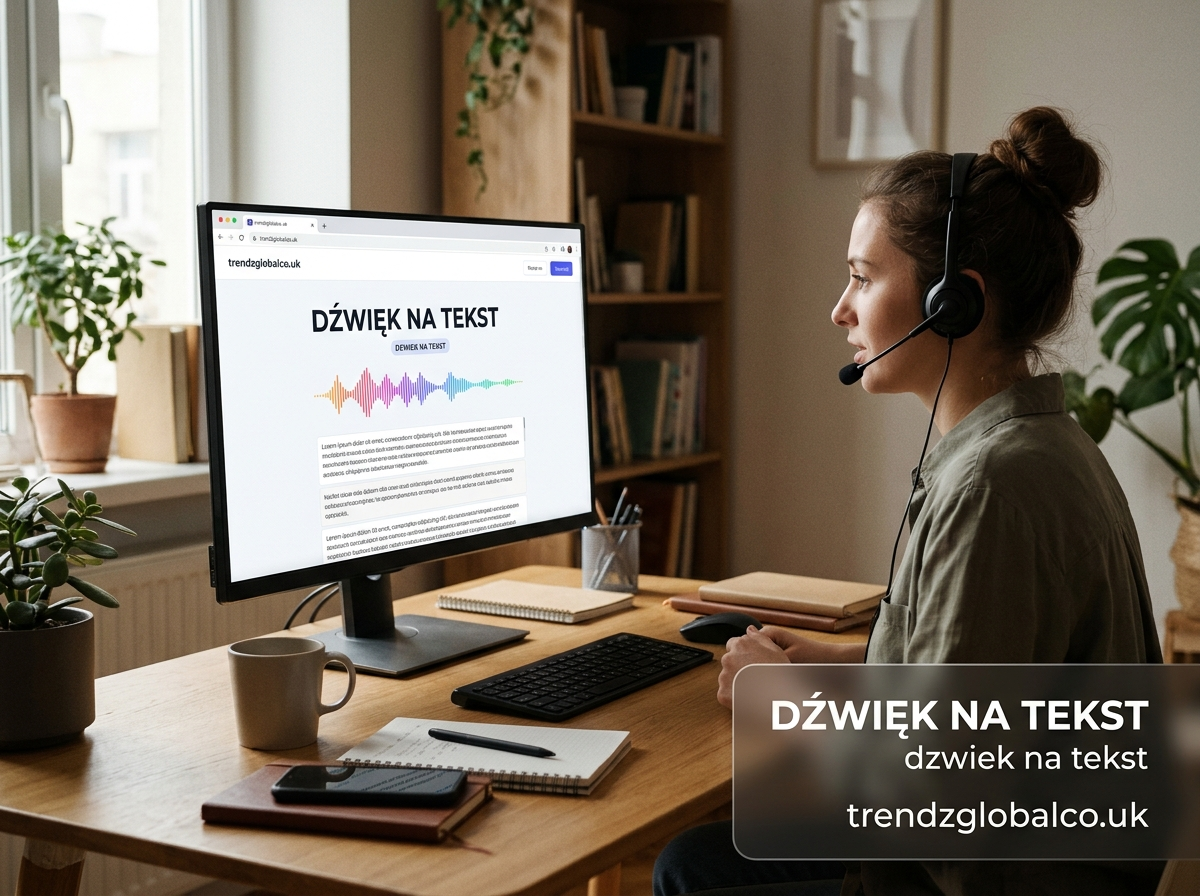
Dźwięk na tekst (Polish for “audio to text”) is the process of converting spoken words in an audio recording into written text using automatic speech recognition (ASR). To do it, upload your audio file to a transcription tool, select Polish as the language, and download the finished transcript in a few minutes.
Whether you need to transcribe a meeting, an interview, a lecture or a voice note, this guide explains how audio-to-text conversion works, how to get the most accurate results, and what to look for in a transcription tool.
What Is Dźwięk na Tekst (Audio to Text)?
Dźwięk na tekst is the conversion of sound, mainly human speech, into editable written text. It is also called audio transcription, speech-to-text or mowa na tekst.
Modern tools use AI-based automatic speech recognition. The software analyses the sound waves in your recording, identifies words and sentence structure, and outputs a text transcript. Today’s best systems handle different speakers, accents and background noise far better than older dictation software.
Audio to text vs. speech to text vs. transcription:
| Term | Meaning |
|---|---|
| Audio to text (dźwięk na tekst) | Converting a recorded file into text |
| Speech to text (mowa na tekst) | Converting live or recorded speech into text, often real-time dictation |
| Transcription | The finished written record of audio, made by AI or by a human |
In practice, people use these terms interchangeably when searching.
How to Convert Dźwięk na Tekst Step by Step
- Upload your audio file. Most tools accept MP3, WAV, M4A and other common formats.
- Choose the language. Select Polish (or the language spoken in the recording) so the engine uses the right model.
- Start the transcription. The AI processes the file, usually much faster than the recording’s length.
- Review and edit. Check names, technical terms and punctuation, then fix any errors in the built-in editor.
- Download your transcript. Export as TXT, DOCX or SRT (subtitles), depending on what you need.
The whole process typically takes a few minutes, even for long recordings.
What Is Audio Transcription Used For?
Converting audio to text saves hours of manual typing and makes spoken content searchable. Common uses include:
- Meetings and calls: Create searchable minutes and action lists.
- Interviews and podcasts: Turn episodes into show notes, articles and quotes.
- Lectures and study notes: Students can review long classes as text.
- Journalism and research: Quickly pull accurate quotes from recorded interviews.
- Legal and medical documentation: Keep written records of consultations and statements.
- Content creation: Repurpose recordings into blog posts, captions and social media.
Supported Formats and Key Features
A good audio-to-text tool should support the formats and features you actually need:
| Feature | Why it matters |
|---|---|
| MP3, WAV, M4A, OGG support | Works with recordings from phones, recorders and apps |
| Speaker recognition | Labels who said what in multi-person conversations |
| Timestamps | Lets you jump to the exact moment in the audio |
| Export options (TXT, DOCX, SRT) | Fits writing, editing and subtitle workflows |
| Built-in text editor | Makes corrections fast |
| Polish language support | Handles Polish grammar and special characters |
How to Get an Accurate Transcription in Polish
Accuracy depends heavily on the quality of the recording. To get the best result:
- Record in a quiet place. Background noise is the biggest cause of errors.
- Use a decent microphone. A close, clear voice beats an expensive device far away.
- Speak clearly, one person at a time. Overlapping voices are hard for any ASR engine.
- Choose the correct language. Selecting the wrong language dramatically reduces accuracy.
- Check Polish diacritics. Make sure letters such as ą, ę, ł, ś, ż and ź are preserved in the output.
- Proofread names and specialist terms. Add a final human check for proper nouns, brand names and jargon.
Manual vs. Automatic Transcription
| Manual transcription | Automatic (AI) transcription | |
|---|---|---|
| Speed | Several hours per hour of audio | Minutes |
| Cost | High (per-minute rates for human typists) | Low or free |
| Accuracy | Very high with a skilled typist | High with clear audio; needs light editing |
| Scalability | Limited | Handles many files at once |
For most everyday needs, AI transcription followed by a quick review gives the best balance of speed, cost and quality. Human transcription remains useful for legal or highly sensitive content with poor audio.
What to Look for in an Audio-to-Text Tool
When comparing tools, check these points:
- Accuracy for Polish, not just English.
- Speed and maximum file length.
- Speaker detection and timestamps.
- Export formats you need.
- Privacy and security policies.
- Pricing, including whether a free version exists and what its limits are.
Privacy and Data Security
Audio recordings often contain personal or confidential information, so privacy matters. Before uploading, check that the tool:
- Complies with GDPR requirements.
- Uses encrypted uploads and storage.
- Lets you delete your files and transcripts at any time.
- States clearly whether your data is used to train AI models.
A trustworthy provider explains these points openly on its website.
Pricing and Free Options
Many services offer a free tier with limited minutes, then paid plans billed monthly or per minute. Free versions are enough for short, occasional recordings. If you transcribe regularly, a subscription is usually cheaper than paying per file.
Frequently Asked Questions
How do I convert dźwięk na tekst for free? Upload your audio file to an online transcription tool that offers a free plan, select Polish, and start the transcription. Free plans usually limit the number of minutes or file size, but they are enough for short recordings and one-off tasks.
Can I convert a phone recording to text? Yes. Voice memos from iPhone and Android are saved in common formats like M4A or MP3, which most transcription tools accept. Upload the file directly, choose the language, and the tool will return an editable text transcript.
How accurate is audio-to-text transcription in Polish? With clear audio and one speaker, modern AI tools reach high accuracy for Polish. Noise, strong accents, overlapping voices and technical terms reduce accuracy, so always proofread important transcripts before using them.
Which audio formats are supported? Most tools support MP3, WAV, M4A and OGG, and many also accept video formats such as MP4. Always check the supported formats and the maximum file size on the tool’s page before uploading.
Can I transcribe a conversation with several speakers? Yes. Tools with speaker recognition label each voice, such as Speaker 1 and Speaker 2. Accuracy improves when people speak one at a time and the recording quality is good.
How long does transcription take? AI transcription is much faster than real time. A one-hour recording is usually processed in a few minutes, depending on file size, server load and the tool you use.
Is my audio safe when I upload it? It depends on the provider. Choose a service that uses encryption, follows GDPR, and lets you delete your files. Avoid uploading confidential recordings to tools that do not explain how they store and use data.
