



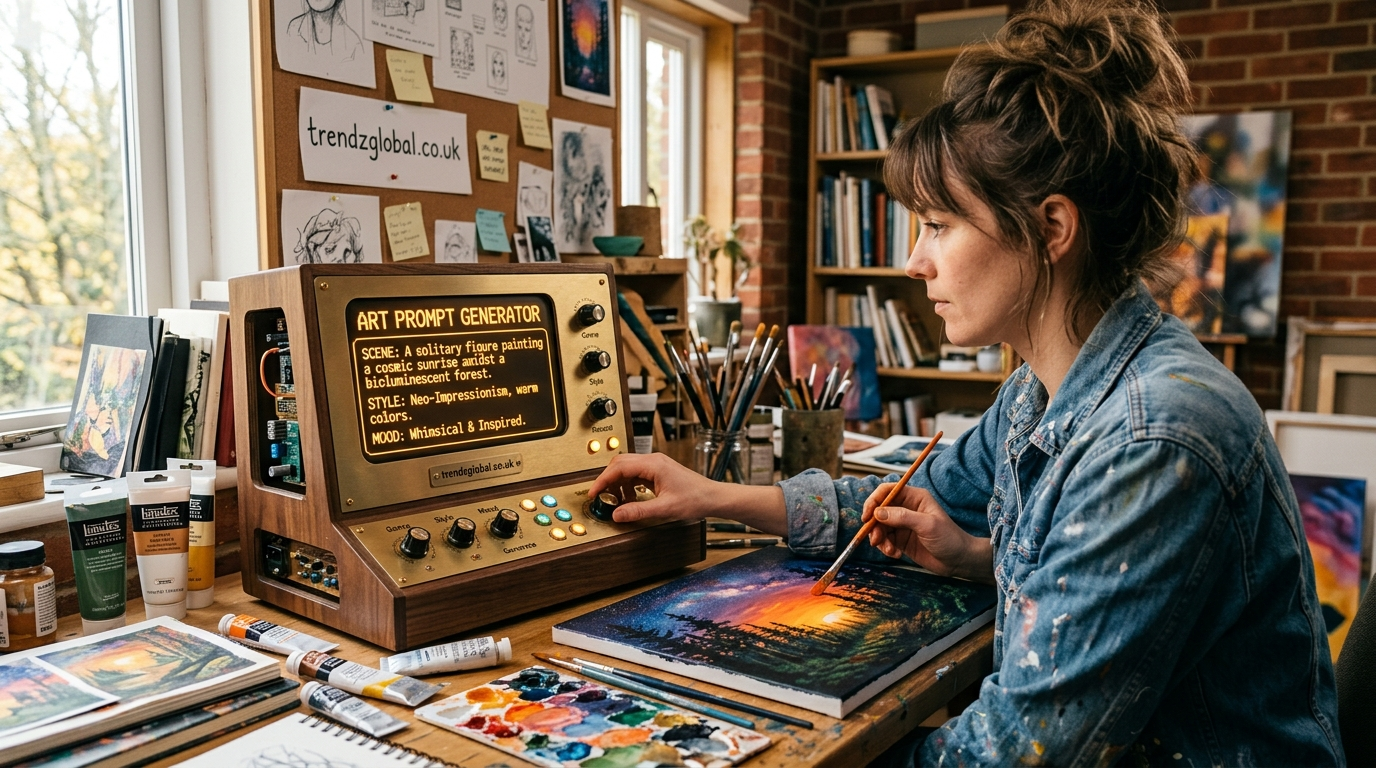
What Is an Art Prompt Generator?
An art prompt generator is a free online tool that gives you a random drawing idea, usually built from a subject, a setting, a mood, and sometimes a style. You click a button, get a prompt like “a lighthouse keeper who collects lost umbrellas,” and start drawing.
The tool works by mixing categories. It pulls one subject, adds a place, adds a feeling or a twist, and joins them into one sentence. Because the pieces combine in thousands of ways, you rarely see the same idea twice. art prompt generator
It is useful for:
- Beginners who don’t know what to draw yet
- Hobby artists who want a daily habit
- Anyone stuck in a creative slump
- Teachers who need quick warm-up exercises for a class
A prompt takes away the hardest part of starting, which is choosing. Once the choice is made, the drawing itself is usually easier than people expect.
How to Use the Art Prompt Generator
- Choose a category. Pick fantasy, nature, portraits, or anything else. Leave it on random if you want a surprise.
- Pick a difficulty level. Beginner prompts have one subject. Advanced prompts add lighting, emotion, and story.
- Click generate. Read the prompt once, out loud if you can.
- Set a timer. Ten minutes is a good start. A timer stops you from overthinking.
- Start drawing. Don’t wait until you feel ready.
One rule that helps: you may click generate a second time if the first prompt truly doesn’t work for you. After that, commit. Rerolling five times is just another way of avoiding the blank page.
Art Prompt Ideas by Category
Not near the tool right now? Use these. Each one is written to be specific enough to picture, but open enough that your version will look different from anyone else’s.
Fantasy and Sci-Fi Prompts
- A dragon curled around a lighthouse during a storm
- A market on a space station that sells only bottled weather
- A knight who is afraid of the dark, holding a very small candle
- A forest where the trees are made of old clock parts
- A wizard’s kitchen with ingredients that are alive
- A city built on the back of a sleeping giant turtle
- A robot gardener tending flowers on an abandoned Mars colony
- A ship sailing through clouds instead of water
Character Design Prompts
- A retired pirate who now runs a quiet bakery
- A traveling doctor for magical creatures
- A teenage inventor with one oversized tool belt
- A ghost who works night shifts at a library
- A street musician whose instrument is never the same twice
Nature and Landscape Prompts
- A mountain lake at dawn with fog sitting only on the water
- A single tree growing out of a cracked highway
- A coastline after a storm, with objects washed onto the sand
- A desert at night lit by one campfire
- A meadow seen from the height of an ant
Anime and Cartoon Prompts
- A cat and a girl sharing an umbrella at a train station
- A rival duo drawn mid-argument, both trying not to laugh
- A tiny mage riding a giant fluffy creature
- A school rooftop at sunset with two friends and a shared snack
- A chibi chef tasting soup with a look of complete shock
Portrait and Figure Prompts
- Your own face lit by a phone screen in a dark room
- An older person laughing at something off-frame
- A hand holding a cup, drawn from three angles
- A person reading on a bus with the window light on one cheek
- A self-portrait as an animal you feel close to
Still Life and Everyday Object Prompts
- Your breakfast table, drawn exactly as you left it
- Three mismatched shoes by a door
- A kitchen sink with dishes and afternoon light
- A pile of books with one open
- The inside of your bag, emptied onto a table
Prompts by Skill Level
| Level | What the prompt asks for | Example |
|---|---|---|
| Beginner | One subject, simple shapes | A mug with steam rising |
| Intermediate | Two subjects plus a setting or emotion | A fox waiting at a bus stop in the rain |
| Advanced | Several elements, defined light, a story | A blacksmith at a forge at midnight, lit only by cooling metal, while a child watches from the doorway |
If you’re unsure where you fit, start one level lower than you think you need. Finishing an easy drawing builds more skill than abandoning a hard one.
Daily and Weekly Drawing Challenges
Prompts work best when they become a habit. Here are two plans you can copy.
A 7-day starter plan
- Day 1: An object on your desk
- Day 2: An animal in an unusual place
- Day 3: A face showing one strong emotion
- Day 4: A room you remember from childhood
- Day 5: A creature that doesn’t exist
- Day 6: A scene from a dream, even a vague one
- Day 7: Redraw your favorite piece from the week, faster
A 30-day challenge structure
Instead of 30 separate prompts, use four weekly themes so you always know what kind of idea is coming.
- Week 1, Objects: Simple things around you
- Week 2, Characters: One new character per day
- Week 3, Places: Rooms, streets, landscapes
- Week 4, Stories: Each drawing continues from the one before it
Use the generator for the specific idea each day and let the weekly theme narrow the category.
Sharing your work: Post on Instagram, Reddit (r/learnart is a friendly place for feedback), or Pinterest. Useful hashtags include #artprompt, #drawingprompts, #dailysketch, and #sketchbook. Add the prompt text in your caption so others can try the same one.
How to Turn a Prompt Into a Finished Piece
A prompt is a starting point, not an assignment. Here is a process that works, shown with a real example.
Prompt: A fox waiting at a bus stop in the rain.
- Break it into parts. Subject: fox. Setting: bus stop. Mood: quiet, a little lonely. Weather: rain.
- Draw three small thumbnails. Each about the size of a matchbox, two minutes each. Try one close-up, one wide view with the whole street, and one from behind.
- Pick one. Choose the thumbnail that tells the most with the least. The wide view usually shows the loneliness best.
- Build from it. Add the shelter, wet pavement, and a glowing streetlight.
- Change something if you want. Make it a red umbrella, or a 1950s bus stop, or draw the fox as a child’s toy. Bending the prompt is allowed.
Thumbnails are the step most people skip, and it’s the one that saves the most time. It is far cheaper toreject a bad composition at two minutes than at two hours.
Common Mistakes When Using Art Prompts
- Waiting for the perfect prompt. No such thing exists. A mediocre prompt you draw beats a great one you skip.
- Treating the prompt as strict rules. If “a cat on a roof” turns into a dog on a boat, you still did the exercise.
- Skipping prompts that feel too easy. Easy prompts are good for practicing shading, line quality, and proportion without pressure.
- Only drawing what you already draw well. Rerolling until you get your comfort subject removes the reason for using a generator.
Who Should Use an Art Prompt Generator?
Beginners get a starting point without needing to know what’s possible.
Students and teachers can use prompts as five-minute warm-ups or homework that has no wrong answer.
Sketchbook keepers who want a page a day can use it to stay consistent.
Artists in a slump often find that the problem is not skill but choice. A random prompt removes the decision.
Digital artists on Procreate, Clip Studio, or Photoshop can use it for quick studies between client work.
Frequently Asked Questions
Is the art prompt generator free?
Yes. You can generate as many prompts as you like without creating an account.
Can I use the prompts for commissions or social media posts?
Prompts are ideas, and the artwork you make from them is yours. You can post it, sell it, or add it to a portfolio.
How often should I practice with prompts?
Ten to fifteen minutes a day is enough for most people. If daily is hard, three sessions a week still builds a habit.
Can I use these prompts with digital tools like Procreate?
Yes. The prompts are medium-neutral, so they work with pencil, ink, watercolor, or any digital app.
What if I don’t like the prompt I get?
Generate one more. If that one doesn’t fit either, keep it anyway and change one detail, such as the color, the era, or the style, until it feels like yours.
Generate a prompt, set a timer for ten minutes, and draw whatever comes out, even if it’s rough. Then come back tomorrow for another. If you want more structure, try the 7-day plan above or browse the category lists for your next idea.
What to add before publishing (this is what makes it rank and stay ranked):
- Real experience (E-E-A-T): Replace the author line with a real name, a short bio, and a photo. Add one or two lines from your own practice, such as how many prompts you’ve used with students or what changed in your sketchbook habit. I left this out because I can’t invent it for you, and Google rewards the real thing.
- Original visuals: Add 3 to 5 drawings made from your own prompts, with alt text like “fox at a rainy bus stop, ink sketch.”
- Schema markup: Add FAQPage schema for the FAQ section and HowTo schema for the “How to Use” steps.
- AEO and AI Overviews: The definition paragraph under “What Is an Art Prompt Generator?” is written to be quoted as a direct answer. Keep it near the top and don’t bury it.
- Internal links: Link each category heading to its own page, and link back to the tool from those pages.
- Freshness: Update the “last updated” date whenever you add new prompts.
