



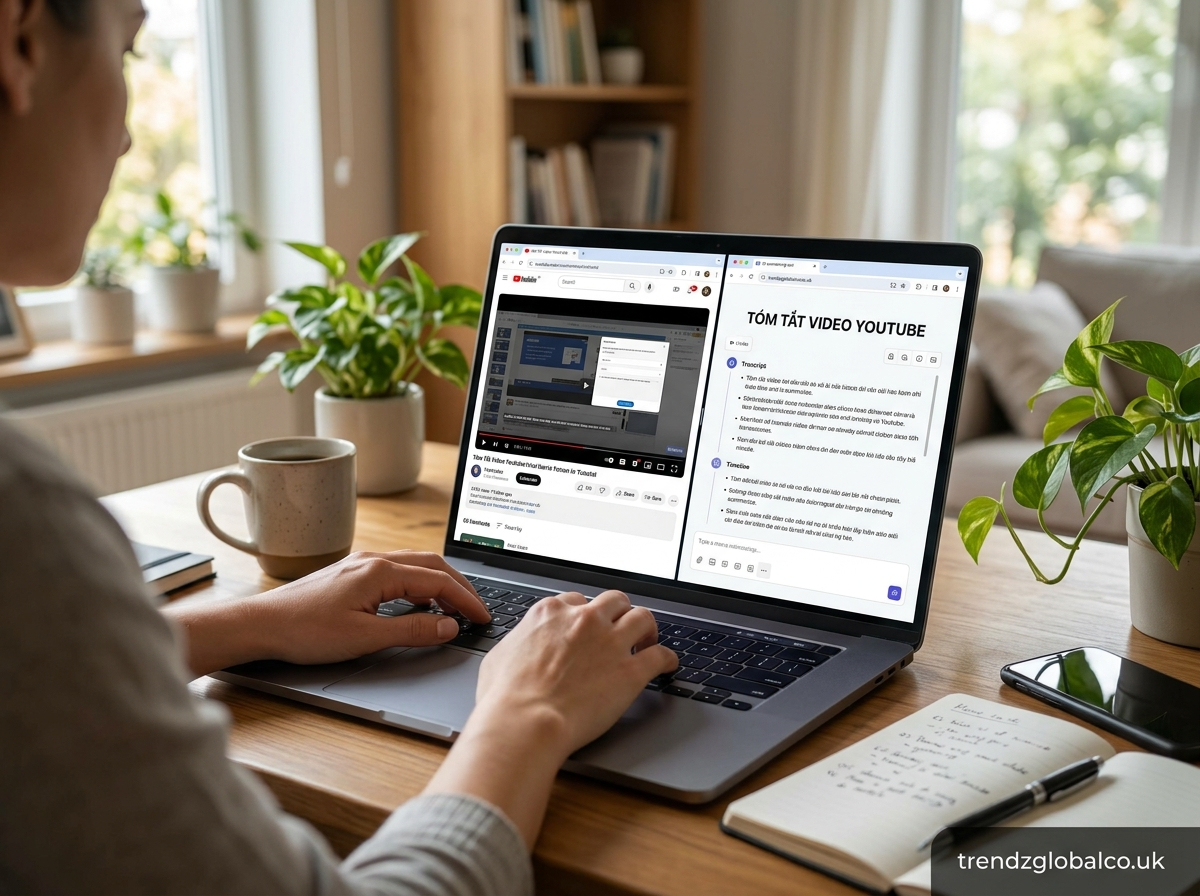
The keyword “tóm tắt video YouTube” means “summarize YouTube videos” in English. It refers to the process of turning a long YouTube video into a short, clear summary that covers its main ideas, important details, and key takeaways. Students, professionals, researchers, and content creators can use video summaries to find useful information without watching every minute of a video.
AI-powered tools have made this process easier. Some tools can summarize a YouTube link directly, while others work with transcripts or subtitles. The results depend on the video, the available captions, and the tool being used. Whether you want to review a lecture, understand a tutorial, or take notes from an interview, a good summary can help you find the information you need faster.
What Does Tóm Tắt Video YouTube Mean?
Tóm tắt video YouTube is a Vietnamese phrase that translates to “YouTube video summary” or “summarize a YouTube video.” It describes a method of shortening video content while keeping the central message and most useful information. Instead of repeating everything the speaker says, a summary focuses on the main topic, supporting ideas, important examples, and conclusions.
For example, a 40-minute educational video might explain a topic through several sections. A summary could present the main concept, five key points, and a short conclusion in a few paragraphs. The reader can understand the general subject without watching the entire recording. However, a summary may leave out examples, visual demonstrations, or smaller details that matter for deeper learning.
People use YouTube summaries for different purposes. Students may want a quick review of a lecture, while professionals may need the main points from a webinar. Content creators can use summaries to organize research, and general viewers can check whether a video contains the information they need. The best summary depends on the purpose, the video’s subject, and the amount of detail required.
How to Summarize a YouTube Video
There are several ways to summarize a YouTube video. The simplest option is to watch the video and write down its main ideas. Divide the content into sections, note important explanations, and remove repeated statements or unrelated details. This method takes time, but it gives you direct access to the speaker’s meaning and visual examples.
Another option is to use the video’s transcript. When captions or a transcript are available, open the relevant video on YouTube and look for the transcript feature in its description or video options. Copy the available text, if permitted, and use it to prepare a shorter version. You can organize the result into a brief overview, main points, and a final takeaway.
AI summarization tools can also help. Depending on the service, you may paste a YouTube link, upload a supported transcript, or enter copied subtitles. Ask the tool to identify the main argument, important facts, and practical lessons. If you need study notes, request headings and explanations. For a quick overview, ask for a short paragraph. Always check important claims against the original video or transcript.
How to Summarize YouTube Videos with AI
AI YouTube summarizers process accessible video information to produce a shorter version of the content. Many transcript-based tools analyze text from captions or subtitles, identify recurring topics, and select sentences that represent the central ideas. Other services may use additional video or audio processing features, depending on their capabilities.
The process usually begins when you provide a supported YouTube link or transcript. The tool retrieves or receives the available content, processes it, and generates a summary. Some services can also provide timestamps, chapter summaries, key takeaways, or question-and-answer notes. These features are useful for long lectures, interviews, tutorials, and recorded presentations.
AI summaries are not always complete or correct. A tool may misunderstand technical terms, overlook an important qualification, or combine ideas in a way that changes the original meaning. It may also miss information shown only on screen, such as a chart, software demonstration, or visual comparison. For better results, use accurate captions, specify what you want to learn, and verify important details before relying on the summary.
Best Ways to Get a YouTube Video Summary
The best method depends on how much information you need and what tools are available. A manual summary works well when the subject is complex or when you need to understand the speaker’s reasoning. Watching selected sections and recording the main points can also help you retain information more effectively than reading a very short summary.
Transcript-based summarization is useful when you want to process a long video without replaying every section. If YouTube provides a transcript, you can use that text with a suitable AI assistant or summarization service. This method is often practical for lectures, interviews, and educational videos with clear speech. The quality of the result depends partly on how accurately the transcript represents the spoken content.
Tools that accept YouTube links offer another option. These services may retrieve the transcript automatically and return a summary without requiring you to copy the text yourself. However, some videos may be inaccessible because of privacy settings, missing captions, regional restrictions, or the tool’s limitations. Before choosing a service, check whether it supports the video type, language, and summary format you need.
How to Summarize a YouTube Video Without Watching It
You can often summarize a YouTube video without watching it from beginning to end by using its transcript. First, open the video and check whether a transcript is available. If it is, copy the text or use a tool that can access it. Submit the transcript to an AI assistant and request a summary that covers the central topic, important points, examples, and conclusion.
For example, a student reviewing a one-hour lecture could ask for a short overview followed by detailed notes under each major topic. A researcher could request the speaker’s main claims and any supporting evidence mentioned in the transcript. A person preparing for a meeting might ask for a concise list of the discussion’s main ideas and any stated recommendations.
This method has an important limitation: a transcript does not capture every visual detail. If the video includes graphs, slides, demonstrations, gestures, or on-screen text, the summary may omit information that changes how a point should be understood. If the transcript is unavailable, you may need a tool with compatible video-processing features or review the relevant sections yourself. Check the original source whenever visual context or exact wording matters.
Benefits of Using a YouTube Video Summarizer
A YouTube video summarizer can save time when you need the main ideas from lengthy content. Instead of searching through an entire recording, you can read a short overview and identify the sections worth reviewing. This is especially helpful when comparing several tutorials, researching a topic, or deciding which educational videos deserve your full attention.
Students can use summaries to revise lessons, create study notes, and review concepts before an exam. Professionals may use them to recall points from webinars, presentations, and industry discussions. Content creators can also use summaries to organize research before planning scripts, articles, or educational materials. A summary provides a starting point, although original sources should still be checked before using facts or quotations in published work.
Summaries can also make information easier to review. A well-organized version separates the central idea from supporting details and presents related points together. Some tools offer timestamps that help readers return to specific moments in the video. These benefits depend on the quality of the generated summary, so a shorter result is not automatically a better one.
How to Choose the Right YouTube Summary Tool
Start by checking whether a tool accepts YouTube links directly or requires a transcript. Direct-link support can save time, but it does not guarantee that every video will work. If you regularly summarize videos in different languages, check its caption and language support before relying on it for your work.
Next, consider the type of summary you need. Some users want a short paragraph, while others need detailed notes, chapter-by-chapter explanations, timestamps, or key questions. A useful tool should produce information at the level of detail you require. If you study technical subjects, test whether it preserves definitions, examples, and important distinctions rather than reducing everything to a few general statements.
Review pricing, usage limits, privacy terms, and accuracy before choosing a service. A free plan may be enough for occasional summaries, while frequent users may need higher limits or additional features. Check how the service handles submitted links and transcripts, especially when working with private meetings or sensitive material. Test a sample video and compare the result with the source before making the tool part of your regular workflow.
Common Problems When Summarizing YouTube Videos
One common problem is the absence of a usable transcript. Some videos have captions disabled, while others contain speech that automatic captions cannot recognize accurately. In these cases, a transcript-based tool may fail or produce a weak summary. You can try another supported method, check for alternative captions, or review the video manually.
Another problem is inaccurate or incomplete information. Background noise, strong accents, specialized vocabulary, and multiple speakers can affect transcript quality. AI may also miss important context or state an uncertain claim too confidently. When a summary includes a statistic, quotation, technical explanation, or specific recommendation, compare it with the original recording before using it.
Access restrictions can cause problems as well. A summarizer may not be able to process private videos, age-restricted content, or certain links. Visual content presents a separate challenge because text-only systems may not understand what appears on screen. If a result seems vague or incomplete, check whether the tool received the necessary transcript or visual information rather than assuming the video itself lacks detail.
Tips for Getting More Accurate YouTube Summaries
Start with a clear request. Instead of asking an AI tool to summarize a video without any guidance, explain your goal. You might ask for a beginner-friendly explanation, detailed study notes, a short overview, or the main arguments and supporting evidence. A specific request helps the tool focus on the information you actually need.
Choose an appropriate level of detail. A short summary is useful for deciding whether to watch a video, but it may not be enough for research or exam preparation. For longer videos, request separate summaries for each chapter or topic. If timestamps are available, ask the tool to include them so you can return to the original discussion without searching through the entire recording.
Finally, verify important details. Compare the summary with the transcript or relevant video sections, especially when the topic involves technical instructions, statistics, financial decisions, or other information where errors matter. Do not assume that every statement in an AI-generated summary is correct. Treat the result as a study aid, not a substitute for checking the source.
Frequently Asked Questions
What is the best way to summarize a YouTube video?
The best method depends on the video and your needs. For a quick overview, use a summarizer that supports the video’s link. For greater control, obtain the transcript and ask an AI assistant to extract the main points. Manual notes are useful when visual demonstrations or detailed explanations matter.
Can I summarize a YouTube video for free?
Yes. You can use an available YouTube transcript and summarize it manually or with an AI tool that offers free access. Some services also provide free summaries directly from video links. Usage limits, supported video lengths, and available features vary, so check the terms of the service you choose.
How can I summarize a YouTube video using its link?
Copy the video’s URL and enter it into a summarization tool that supports YouTube links. If the service can access the video or its transcript, it may generate a summary automatically. If the link does not work, try providing the transcript instead. Not every tool can access every video.
Can ChatGPT summarize a YouTube video?
ChatGPT can help summarize YouTube content when you provide accessible material, such as a transcript, captions, or relevant excerpts. Simply sharing a URL does not guarantee that the video’s content will be accessible in every situation. For the best result, provide the transcript and specify whether you want a short overview, detailed notes, or key takeaways.
Can I summarize a YouTube video without watching it?
Yes, if a transcript or compatible video-processing tool is available. A transcript-based summarizer can identify the main ideas without requiring you to watch the entire recording. However, this approach may miss visual information, demonstrations, and details that are not included in the transcript.
Are AI-generated YouTube summaries accurate?
AI-generated summaries can be useful, but their accuracy depends on the transcript, the tool, and the subject. They may omit important context, misunderstand terminology, or simplify complex arguments. Compare important claims with the original video, particularly when exact details or reliable evidence are necessary.
Conclusion
Tóm tắt video YouTube refers to summarizing YouTube videos in a shorter, easier-to-read format. You can create a summary manually, use a video transcript, or choose an AI tool that supports YouTube links. Each method offers different benefits depending on the content and the level of detail you need.
