



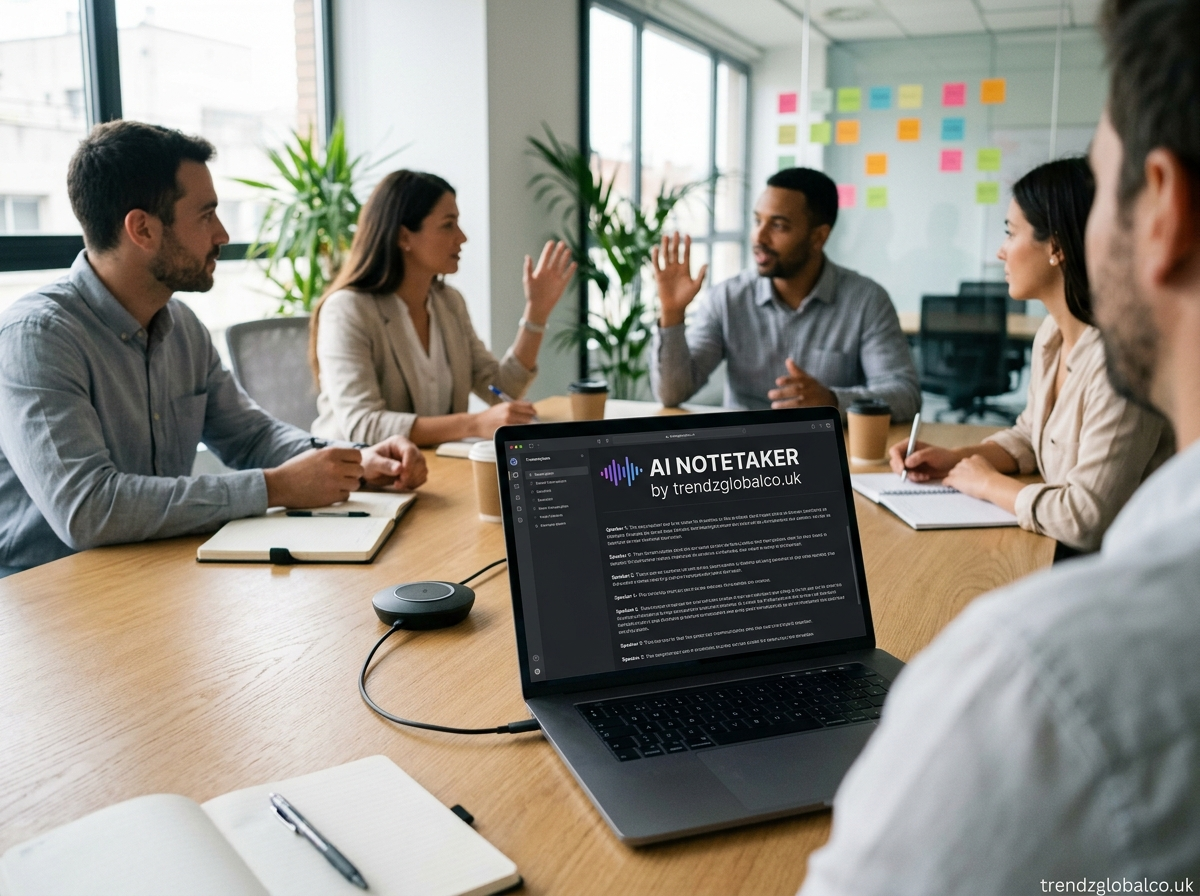
An AI notetaker is a tool that uses artificial intelligence to capture conversations, convert speech into text, summarize important information, and organize meeting notes. It can help students, professionals, teachers, and business teams keep track of discussions without having to write everything down manually.
People use AI notetakers for online meetings, classroom lectures, interviews, research sessions, and everyday work conversations. Depending on the tool, users can receive a full transcript, a short summary, a list of action items, and key decisions from a single recording.
The main benefit is simple: you can focus on the conversation while the tool helps manage the notes. However, AI-generated notes still need to be reviewed, especially when they contain names, numbers, deadlines, or important decisions.
What Is an AI Notetaker?
An AI notetaker is software that uses speech recognition and artificial intelligence to turn spoken conversations into organized written notes. Some tools join online meetings and take notes automatically, while others work with uploaded audio files or recordings.
Unlike a basic voice recorder, an AI notetaker can do more than save audio. It may create a written transcript, identify the main topics, summarize long discussions, and list tasks assigned during a meeting. Some tools can also identify different speakers and let users search their previous meeting notes.
For example, imagine attending a one-hour business meeting. Instead of writing down every discussion point, you can use an AI notetaker to produce a summary of the main topics, decisions, and next steps. You can then review the transcript to check details that matter.
The exact features depend on the software. Some tools focus on meeting transcription, while others offer summaries, calendar integrations, collaboration features, and searchable meeting histories.
How Does an AI Notetaker Work?
An AI notetaker generally works through three main processes: speech recognition, language processing, and note generation. First, the tool captures meeting audio or receives an existing recording. It then converts spoken words into text using automatic speech recognition technology.
After producing a transcript, the AI system analyzes the text to identify the main ideas, questions, decisions, and tasks. It may organize the information into sections so users can understand the discussion without reading every word. Some tools can also separate speakers, add timestamps, and highlight important parts of a conversation.
Once the notes are ready, users can review, edit, download, or share them. Some applications connect directly to online meeting platforms and calendars, while others require users to upload an audio file or start a recording manually.
AI notetakers do not all work in the same way. A tool designed for live meetings may have different features from one built for recorded lectures, interviews, or voice memos.
Key Features of an AI Notetaker
Automatic Meeting Transcription
Transcription converts spoken words into written text. This feature helps users review what was discussed during a meeting, lecture, interview, or phone conversation. Searchable transcripts also make it easier to find a particular statement without listening to an entire recording again.
Transcription quality depends on audio clarity, background noise, accents, language support, and overlapping speech. Users should check important passages rather than assume every word is correct.
AI-Generated Summaries
AI summaries shorten long conversations into readable sections. They may include the main topics, important explanations, decisions, and conclusions. This is useful when a meeting contains a lot of discussion but only a few points require follow-up.
A summary should not replace the original transcript when exact wording matters. Reviewing the full text can help users understand context that a short summary may leave out.
Action Items and Key Decisions
Some AI notetakers identify tasks mentioned during a discussion. They may list what needs to be done, who is responsible, and when a task is due, provided those details are stated clearly in the conversation.
This feature can help teams follow up after meetings. However, the AI may misunderstand an assignment or mistake a suggestion for a confirmed decision. Team members should verify responsibilities and deadlines before acting on the notes.
Speaker Identification
Speaker identification helps distinguish between people talking during a recorded conversation. This can make meeting transcripts easier to read, especially when several participants contribute ideas.
The feature is not always perfect. Similar voices, poor microphones, and people speaking at the same time can lead to mistakes. Users may need to correct speaker labels before sharing a transcript.
Searchable Notes and Meeting History
Some tools save transcripts and summaries in a searchable library. Users can look for keywords, topics, or earlier discussions instead of opening every recording individually.
This can be useful for people who attend frequent meetings or manage long-term projects. Before storing sensitive conversations, users should check how the application handles saved recordings, access permissions, and data deletion.
What Are the Benefits of Using an AI Notetaker?
One of the main benefits of an AI notetaker is that it reduces the need for constant manual note-taking. Participants can listen more carefully, ask questions, and contribute to a discussion while the software prepares a transcript or summary.
AI-generated notes can also save time after meetings. Instead of reviewing a long recording from beginning to end, users can start with a summary and return to the transcript when they need more detail. This can be especially helpful for recurring team meetings, training sessions, interviews, and university lectures.
Another benefit is consistency. A notetaker can organize meeting information into a familiar format, making it easier to review decisions and follow up on tasks. When notes are stored in one place, team members may also find it easier to locate information from previous discussions.
However, the tool does not remove the need for human judgment. AI can miss context, misunderstand technical terms, or create summaries that leave out important details. The best results come from combining automated notes with a quick review by someone who understands the conversation.
Who Should Use an AI Notetaker?
Students and Teachers
Students can use an AI notetaker to review recorded lectures, prepare revision notes, and identify important topics from class discussions. A transcript can help them return to explanations they missed while writing or listening.
Teachers may use these tools for meeting notes, training sessions, interviews, and lesson planning. Students should follow their institution’s rules before recording classes, and they should not assume that recording every lecture is permitted.
Business Professionals and Teams
Business teams can use AI notetakers during planning sessions, project updates, client calls, and internal meetings. Summaries can help participants review decisions and understand their responsibilities after a discussion.
Managers may also use meeting records to track follow-up tasks. Since business conversations can contain confidential information, teams should choose tools with suitable privacy controls and access permissions.
Remote Workers and Freelancers
Remote workers often attend video calls with colleagues, clients, and project partners. An AI notetaker can help them keep records of project requirements, feedback, deadlines, and agreed changes.
Freelancers may find it useful during client consultations. Instead of relying on memory, they can review the notes when preparing proposals or making revisions. They should still confirm important requirements with the client.
Researchers and Interviewers
Researchers can use transcription tools to convert recorded interviews into text for review and analysis. Journalists, consultants, and other interviewers may also use AI summaries to locate important parts of a conversation.
Accuracy and privacy are especially important in this setting. Researchers should follow consent requirements and applicable research policies. They should also verify quotations against the original audio before publishing or using them as evidence.
Content Creators and Consultants
Content creators may use AI notetakers to organize brainstorming sessions, interviews, and planning discussions. The resulting transcript can help them locate ideas, quotes, and topics for future content.
Consultants can use meeting summaries to review client needs and document next steps. Before sharing any notes externally, they should check for confidential details and correct any errors.
How to Use an AI Notetaker
Using an AI notetaker usually begins with choosing a tool that fits your needs. If you attend online meetings, look for support for your meeting platform. If you mainly work with lectures or voice recordings, choose a tool that accepts the audio formats you use.
Next, connect the application to a supported meeting or upload an existing recording. Some tools require manual setup before a meeting, while others offer calendar integrations or automatic note-taking options. Check the settings so you understand when recording or transcription starts.
After the conversation, review the transcript and summary. Check names, dates, figures, technical terms, decisions, and assigned tasks. If the notes include a deadline or responsibility, confirm that it was actually agreed upon during the discussion.
Finally, save or share the notes in an appropriate format. Use access controls when the information is private, and delete recordings you no longer need according to your organization’s policies. If other participants are involved, follow applicable recording laws and obtain consent where required.
AI Notetaker vs. Traditional Note-Taking
Traditional note-taking gives users direct control over what they write. A person can focus on the most relevant details, add personal observations, and interpret the discussion based on their understanding. However, writing notes during a fast conversation can be difficult, and important details may be missed.
An AI notetaker can produce transcripts and summaries with less manual writing. It may also help users search long conversations and prepare a record of tasks. These features are useful when meetings contain many details or when participants need to revisit the discussion later.
The main difference is that human notes reflect the writer’s judgment, while AI notes depend on the quality of the recording and the system’s ability to interpret the conversation. AI may misunderstand a statement or leave out an important qualification. Manual notes can also contain mistakes or gaps.
For many people, combining both methods works well. Let the AI tool prepare a transcript or first summary, then add personal observations and correct the details that matter. This approach keeps the convenience of automated notes without relying on the software for every decision.
How to Choose the Best AI Notetaker
The right AI notetaker depends on how you plan to use it. Start with transcription accuracy and language support. If you work with multiple languages, technical terms, or speakers with different accents, check whether the tool handles those situations well.
Meeting compatibility is another factor. Some applications work with Zoom, Google Meet, or Microsoft Teams, while others focus on uploaded audio files. Confirm that the software supports your preferred platform and provides the features you actually need.
Pricing also matters. Free plans may limit the number of transcription minutes, meeting length, file uploads, or available features. Paid subscriptions may offer longer recordings, additional integrations, or more storage. Compare the limits rather than choosing a tool based only on its advertised price.
Privacy should be part of the decision. Review how recordings and transcripts are stored, who can access them, whether data is used to train AI models, and how you can delete your information. If you work with confidential business or personal conversations, check whether the service meets your organization’s requirements.
Finally, consider ease of use, export options, search functions, and the quality of the summaries. A tool with many features is not necessarily the best choice if it does not fit your daily routine.
Are AI Notetakers Safe and Private?
AI notetakers can handle sensitive information, including client discussions, work plans, classroom conversations, and personal interviews. Their privacy protections vary by provider, account type, settings, and subscription. Users should not assume that every tool stores or processes recordings in the same way.
Before choosing a service, read its privacy policy and review its recording, retention, and sharing settings. Check whether recordings are stored, how long they remain available, who can access them, and whether you can permanently delete them. For workplace use, confirm that the service meets company rules and any relevant data protection requirements.
It is also important to consider consent. Inform meeting participants when required and follow the applicable recording laws and organizational policies. A meeting platform’s technical ability to record a conversation does not automatically mean that recording it is permitted.
For confidential discussions, use only approved tools and limit access to the people who need the notes. If a conversation contains sensitive information, consider whether an external AI service is appropriate before uploading the recording.
What Are the Limitations of an AI Notetaker?
An AI notetaker can make mistakes when the recording contains background noise, unclear speech, strong accents, or several people talking at once. It may misidentify speakers, miss technical terms, or produce a transcript that differs from what someone actually said.
Summaries also have limitations. An AI system may leave out a qualification, misunderstand a joke or hypothetical statement, or present a suggestion as a final decision. These errors can matter when notes are used for project planning, research, customer agreements, or other important work.
Some tools also have restrictions on meeting length, supported languages, integrations, storage, or free usage. Certain features may require an internet connection or a paid subscription. Users should check these details before depending on a service for regular work.
The safest approach is to treat AI-generated notes as a draft that needs review. Use the transcript or original recording to verify important statements, and never rely on an unchecked summary as the only record of a high-stakes conversation.
Frequently Asked Questions About AI Notetakers
What Is an AI Notetaker Used For?
An AI notetaker is used to transcribe conversations, summarize meetings, organize important information, and identify possible action items. People use it for business meetings, lectures, interviews, research, and recorded discussions. Its available features depend on the software.
Is There a Free AI Notetaker?
Yes, some AI notetakers offer free plans or limited free access. These plans may restrict transcription minutes, meeting length, file uploads, storage, or advanced features. Check the current terms before choosing a tool, especially if you need to transcribe long meetings regularly.
Can an AI Notetaker Work With Zoom and Google Meet?
Yes, some AI notetakers support Zoom and Google Meet, and certain tools also work with Microsoft Teams. Compatibility varies by provider and plan. Check whether the tool joins meetings directly, uses a platform integration, or requires a separate recording upload.
Can an AI Notetaker Record Meetings Automatically?
Some AI notetakers offer calendar connections and automatic meeting transcription. Depending on the application, users may need to enable the feature, configure permissions, or approve recording for each meeting. Always check the settings and follow applicable consent rules before recording other people.
What Is the Difference Between an AI Notetaker and a Transcription Tool?
A transcription tool mainly converts spoken audio into written text. An AI notetaker may also summarize the conversation, organize topics, identify action items, and create meeting notes. Some products offer both functions, so the difference depends on their features.
Are AI-Generated Meeting Notes Accurate?
AI-generated notes can be useful, but their accuracy depends on audio quality, speech recognition, language support, and the system’s ability to understand context. Review names, numbers, deadlines, and decisions before sharing the notes or using them to make important decisions.
Is an AI Notetaker Suitable for Students?
Yes, students can use AI notetakers to review lectures, organize study notes, and revisit explanations. They should follow school or university rules about recording and AI tools. Reviewing the original material is also important because an automated summary may omit details needed for exams or assignments.
Conclusion
An AI notetaker helps turn spoken conversations into transcripts, summaries, and organized notes. It can be useful for students, professionals, remote workers, researchers, and teams that need to keep track of discussions and follow-up tasks.
When choosing an AI notetaker, compare transcription quality, supported platforms, pricing, privacy settings, and available features. Review AI-generated notes before relying on them, particularly when they contain important decisions or deadlines.
The best AI notetaker is one that fits your daily needs, handles your recordings well, and gives you control over your information. Used carefully, it can reduce the time spent writing notes and make important conversations easier to review later.
