



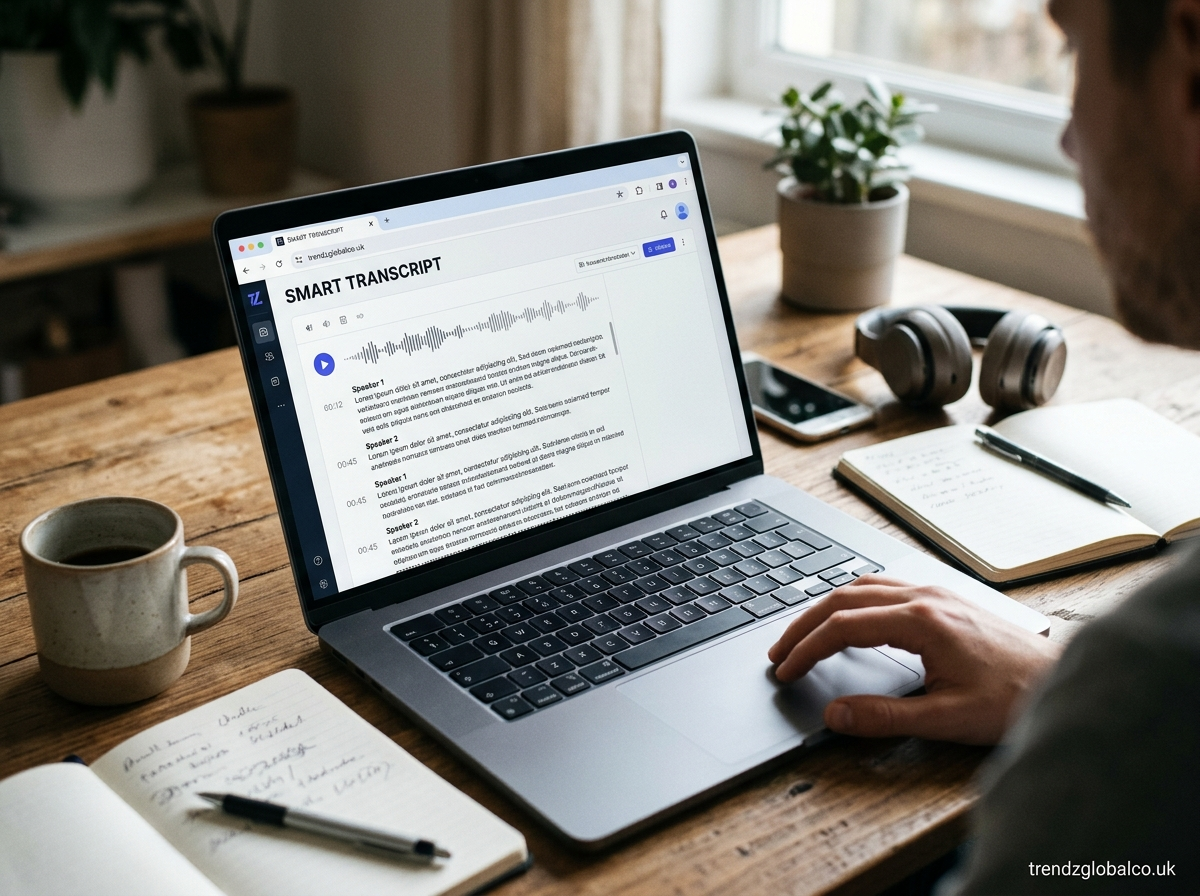
Smart Transcript refers to a transcript created with the help of speech recognition technology and, in some tools, artificial intelligence (AI). It converts spoken words from meetings, interviews, lectures, voice recordings, and videos into written text. This makes spoken information easier to read, search, save, and share.
People use smart transcription tools to save time, prepare meeting notes, review important conversations, and create written records of audio content. Some tools also offer speaker identification, timestamps, automatic summaries, and downloadable transcripts.
The features available depend on the specific service. Understanding how Smart Transcript works, what it can do, and where it may make mistakes can help you decide whether it is suitable for your needs.
What Is Smart Transcript?
Smart Transcript is a term used for technology that turns spoken language into written text with the help of automated speech recognition. Instead of typing every sentence manually, users can process a recording or, when supported, transcribe speech as someone speaks.
A basic transcription tool focuses on converting speech into text. More advanced tools may also recognize different speakers, add punctuation, organize paragraphs, and create summaries. These features can make a transcript easier to understand and use.
The exact meaning of Smart Transcript depends on the product or platform using the term. It may refer to a particular transcription feature or a broader type of AI-powered transcription service. Users should check the features of the specific tool rather than assume every service offers the same functions.
How Does Smart Transcript Work?
Smart transcription usually begins with an audio recording or a live speech input. The system analyzes the sound and uses automatic speech recognition (ASR) to identify spoken words. It then converts those words into written text.
Modern transcription systems use language models and other processing techniques to improve word recognition and sentence structure. Depending on the software, the transcript may include punctuation, timestamps, speaker labels, and paragraph breaks. Some platforms also use AI to summarize long conversations or identify key topics.
The result still depends on the quality of the original recording. Background noise, overlapping conversations, unfamiliar names, strong accents, and technical vocabulary can affect the output. Reviewing the transcript after processing helps correct mistakes before the text is shared or used as a record.
Key Features of Smart Transcript
Smart Transcript tools can offer several features that make written records easier to manage. Automatic speech-to-text conversion is the main function. Users can turn supported audio recordings into text without typing the entire conversation themselves.
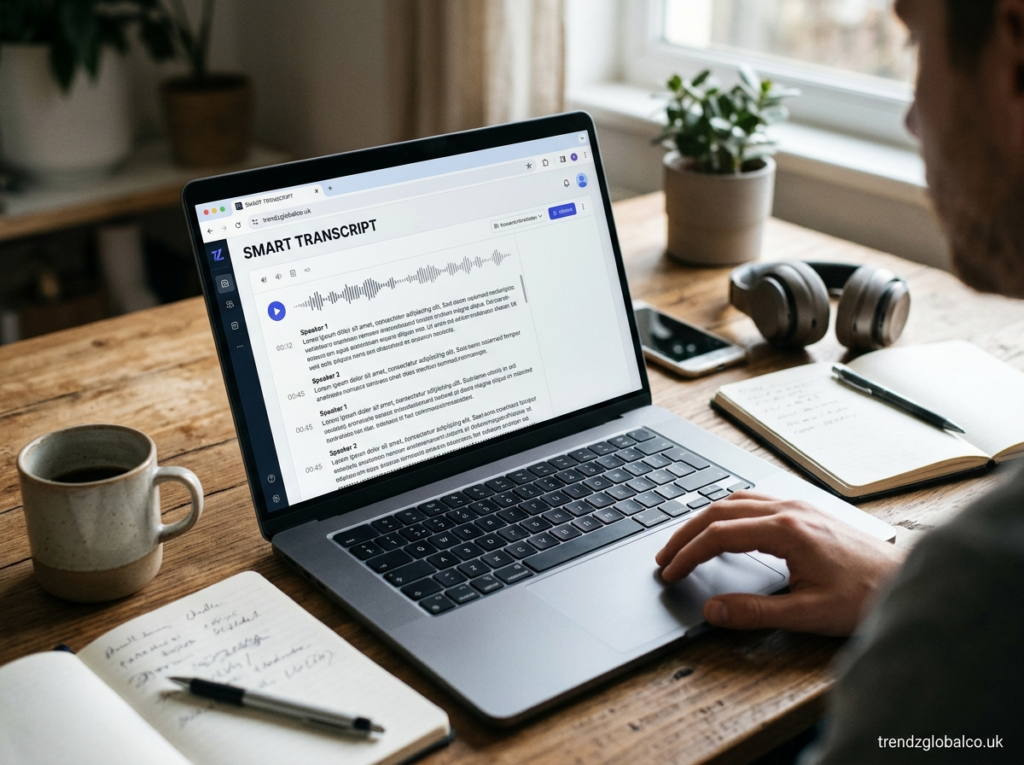
Some tools include speaker identification, which labels different voices in a conversation. Timestamps can help users locate a particular statement in the original recording. Search functions allow users to find words or phrases without listening to the whole file again.
Other services offer AI summaries, key-point extraction, editing tools, and export options. Depending on the platform, users may be able to copy text or download it in formats such as TXT, DOCX, or SRT. These options are useful for different purposes, from preparing meeting notes to creating video captions.
Not every tool includes all these features. Before choosing a service, check its supported languages, file formats, export options, and usage limits.
How to Create a Smart Transcript
Creating a smart transcript is generally straightforward. The exact steps depend on the service, but most tools follow a similar process.
First, prepare an audio or video recording in a supported format. If the service supports live transcription, you may be able to record speech directly through your device. Make sure the recording is clear and that the microphone can capture the speakers properly.
Next, open the transcription tool and upload the file or start the recording. Select the correct language if the service requires it. Begin the transcription process and wait for the software to convert the speech into text. Longer recordings may take more time to process.
When the transcript is ready, read through it carefully. Correct names, dates, numbers, technical terms, and sentences that do not match the recording. If the service supports speaker labels or timestamps, check those details too. Finally, copy the text, save it, or export it in a suitable format.
For important interviews, business discussions, or academic work, keep the original recording when permitted. It can help you verify statements that are unclear in the transcript.
Benefits of Using Smart Transcript
One of the main benefits of smart transcription is that it reduces the need for manual typing. A person can review a written transcript instead of repeatedly listening to an entire recording to find specific information. The amount of time saved depends on the recording length, audio quality, and accuracy of the tool.
Smart Transcript can also make information easier to organize. Employees can use transcripts to review discussions, students can revisit lecture material, and researchers can examine interview responses. Searchable text is often easier to work with than a long audio file.
Transcription can also support accessibility. People who prefer reading to listening may find written versions of spoken content helpful. Transcripts can support caption creation and make recorded information easier to review in quiet environments.
Another benefit is easier collaboration. Team members can share a written record of a discussion instead of asking everyone to listen to the same recording. However, important decisions and assigned tasks should still be checked for accuracy before the transcript is treated as an official record.
Who Can Benefit From Smart Transcript?
Students can use smart transcription to turn recorded lectures into written study material. They can search for particular topics, review explanations, and create notes from the transcript. Students should still check technical terms and compare important information with course materials.
Teachers and trainers may use transcripts to prepare lesson notes, review recorded sessions, or make learning resources available in text form. Transcripts can also help people revisit instructions without replaying an entire recording.
Business professionals can use transcription for meetings, interviews, planning sessions, and internal discussions. A written record can help participants review what was said and identify decisions that need follow-up. Confidential recordings should only be processed through services that meet the organization’s privacy requirements.
Journalists, researchers, podcasters, and content creators can also benefit. Interview transcripts help with quotation checks and research, while podcast transcripts can support editing and written content creation. The transcript should be checked against the original recording before quotations are published.
Smart Transcript for Meetings, Interviews, and Lectures
Meeting transcription can help teams maintain a written record of conversations. Participants can review discussions, locate specific comments, and prepare meeting summaries. If the tool supports speaker identification, it may also help distinguish between participants. Users should verify names and action items before sharing the final notes.
For interviews, a transcript makes it easier to find answers and compare responses. Researchers can review recurring themes, while journalists can locate statements for fact-checking. Automated transcripts are useful working documents, but quotations should be verified against the recording to avoid publishing incorrect words.
Students can use lecture transcription to review material after class. Searching for a topic is often faster than finding the same section in a long recording. Some tools can also generate summaries, although students should compare these with the full transcript because summaries may leave out examples, qualifications, or important details.
Content creators may use transcripts to prepare captions, blog drafts, and show notes. The amount of editing required depends on the intended use. Published captions need timing and spelling checks, while articles based on spoken content may require rewriting for clarity.
Is Smart Transcript Free to Use?
Whether Smart Transcript is free depends on the specific service. Some transcription platforms offer a free plan with limits on recording duration, monthly minutes, file size, or available features. Others require payment before users can process recordings or download certain file types.
Paid plans may include longer recordings, more transcription minutes, additional languages, speaker identification, advanced summaries, or team features. These options vary between providers, so users should compare the actual plan details before subscribing.
When evaluating a free tool, check whether it requires an account, adds watermarks, limits exports, or stores uploaded recordings. Also review whether unused transcription minutes expire and whether a payment method is required.
A free plan may be enough for occasional recordings or short interviews. People who regularly transcribe long meetings may need a service with higher limits. Check the provider’s current pricing and terms because plans and features can change.
Smart Transcript vs. Manual Transcription
Smart transcription and manual transcription both turn speech into written text, but they work differently. Automated tools use speech recognition software to produce text, while manual transcription involves a person listening to the recording and typing the words.
Automated transcription is often faster for long recordings and can reduce the amount of typing required. It may also offer searchable text and automatic formatting. Its main limitation is that it can misinterpret unclear speech, unusual names, specialized terms, and conversations in which several people speak at once.
Manual transcription gives the transcriber more control over wording and context. A skilled transcriber may identify details that software misses, although manual work can take considerably longer. Human transcription may also cost more when professional accuracy is required.
The best choice depends on the task. Smart Transcript is a practical option for producing an initial draft quickly. Manual transcription or careful human review may be preferable for legal records, research quotations, sensitive interviews, and other situations where exact wording matters.
How Accurate Is Smart Transcript?
The accuracy of Smart Transcript depends on several factors. Clear recordings with limited background noise usually produce better results than recordings made in crowded rooms or through distant microphones. Speakers who talk clearly and avoid interrupting one another are also easier for speech recognition systems to process.
Language and vocabulary matter too. A tool may perform well in one language but struggle with another, particularly if its language support is limited. Regional accents, code-switching, industry-specific terminology, and uncommon names can lead to errors.
Users should pay particular attention to names, numbers, dates, measurements, and statements that could change the meaning of a conversation. Speaker labels should also be checked when several people are present. An automated transcript may sound natural while still containing incorrect information.
For reliable results, use the clearest available recording, select the correct language, and review the generated text. For high-stakes use, compare the transcript with the original audio and seek professional review when necessary.
Privacy and Security Considerations
Before uploading a recording to a smart transcription service, consider what the audio contains and who may be able to access it. Meetings and interviews can include personal information, business plans, financial details, or confidential discussions.
Read the provider’s privacy policy to understand how recordings and transcripts are processed, stored, and deleted. Check whether the service uses uploaded content to improve its systems, whether data is shared with other providers, and whether account settings offer control over retention and deletion.
For workplace or educational recordings, follow the relevant organization’s rules. Obtain consent before recording conversations when required by applicable laws or policies. Do not upload confidential recordings to an unapproved service simply because it offers free transcription.
Use strong account security and restrict access to transcripts that contain sensitive information. If you no longer need a recording, review the service’s deletion options and any applicable retention requirements.
Frequently Asked Questions About Smart Transcript
What does Smart Transcript mean?
Smart Transcript generally refers to written text created from spoken words using automated transcription technology. Depending on the tool, it may also include speaker labels, timestamps, searchable text, and AI-generated summaries.
How do I create a smart transcript from audio?
Choose a transcription service that supports your audio format and language. Upload the recording or start a supported live transcription session, generate the text, and review the result for errors before saving or sharing it.
Can Smart Transcript convert video to text?
Some transcription tools accept video files and extract the spoken audio for transcription. Others only support audio uploads. Check the service’s file-format requirements before uploading a video.
Is Smart Transcript accurate?
Smart transcription can produce useful results, but accuracy varies with recording quality, accents, speaking speed, background noise, and language support. Review the transcript before relying on it for important decisions or published quotations.
Can I use Smart Transcript for free?
Some services provide free transcription with limits on recording length, monthly usage, or features. Other services require payment. Check the specific provider’s current plan details to understand what is included.
Can Smart Transcript identify different speakers?
Some transcription tools offer speaker identification, often called speaker diarization. This feature attempts to separate speech by speaker, but it may mislabel people when voices sound similar or several participants talk at once.
Is Smart Transcript safe for private recordings?
Safety depends on the provider’s data practices, security measures, and privacy settings. Review the service’s terms, storage rules, and deletion options before uploading sensitive audio. Follow consent requirements and organizational policies.
Conclusion
Smart Transcript can turn spoken information into written text that is easier to read, search, and share. It can help students review lectures, professionals document meetings, researchers examine interviews, and content creators prepare transcripts and captions.
The right tool depends on your recording needs, preferred language, budget, accuracy requirements, and privacy expectations. Before choosing a service, confirm that it supports your file type and offers the features you need.
