



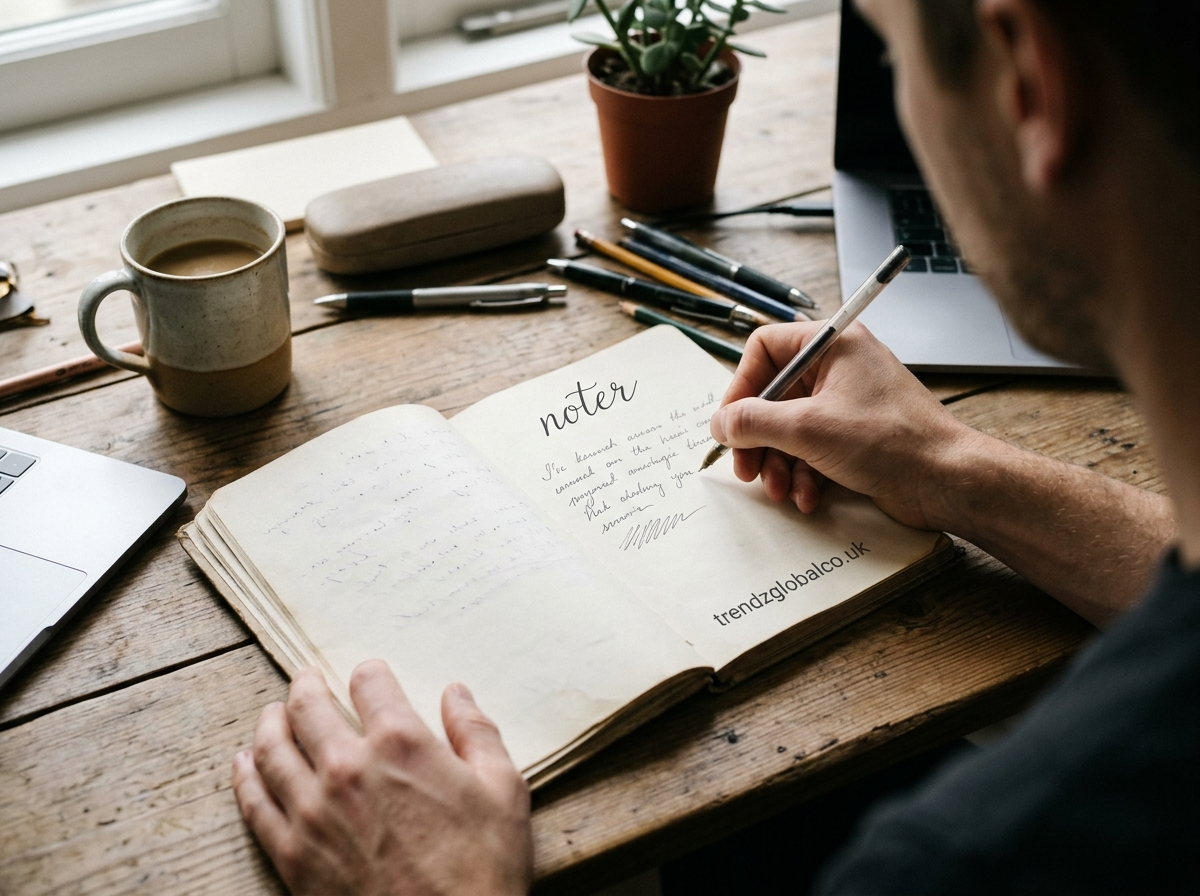
A noter is a tool or application that helps people write, save, and organize information for later use. Depending on the context, it may refer to a basic note-taking app, a digital notebook, or a tool that uses artificial intelligence (AI) to record conversations and create summaries. People use these tools to manage study notes, remember work instructions, prepare meeting records, and keep personal information organized.
A digital noter can make everyday tasks easier by keeping important information in one place. Some tools support text, images, voice recordings, reminders, and cloud synchronization. AI-powered options may also convert speech into text or summarize long conversations. The right choice depends on how you take notes, which devices you use, and the features you need.
What Is a Noter?
A noter is a tool for recording and organizing information. In a digital setting, it usually refers to an application or service that lets users create notes, edit them, and find them when needed. Instead of keeping information on loose sheets of paper, users can store it on a phone, tablet, or computer.
People use noters for many purposes. Students can save lecture notes and study material, employees can record instructions, and individuals can maintain shopping lists, personal reminders, or daily plans. Some applications support only basic text, while others include attachments, voice recordings, collaboration, and AI features.
The term does not identify one specific product in every context. If someone searches for a noter, they may be looking for a general note-taking tool or a particular app. Understanding the intended use helps narrow down the available options.
How Does a Noter Work?
Most digital noters follow a simple process. Users open the application, create a new note, enter their information, and save it. Many tools save changes automatically, while others may require users to confirm that their work has been saved. Notes can often be edited, renamed, moved into folders, or deleted.
Organization features help users manage information as their collection grows. For example, a student might create separate folders for mathematics, computer science, and English. A professional might organize notes by client, project, or meeting date. Search functions can help locate specific information without opening every note individually.
Some noters also support cloud synchronization. When this feature is available and enabled, notes can appear on multiple devices linked to the same account. Users should check whether offline access is supported and whether changes sync automatically, especially when working without an internet connection.
What Are the Main Features of a Noter?
The features available depend on the application. A simple noter may provide little more than a text editor, while a more advanced tool may combine several ways to capture and manage information.
Text creation and editing are the basic features. Users can write short reminders, detailed explanations, meeting records, or longer documents. Some apps also support formatting options, checklists, links, and attachments.
Folders, tags, and search help keep notes organized. Folders group related information, while tags allow users to connect notes across different subjects. Search tools can locate notes by title or words within the content, depending on the application.
Voice recording and transcription are useful when typing is inconvenient. Supported tools can record audio and, in some cases, convert spoken words into written text. This can help users capture lectures, interviews, and discussions, although transcription accuracy depends on audio quality, language support, accents, and background noise.
AI summaries and organization are available in some modern noters. These features may shorten long notes, identify key ideas, or organize information into sections. AI-generated results can contain mistakes, so users should check important names, figures, dates, and instructions.
Sharing and reminders support collaboration and daily planning. Certain applications let users share notes with other people, work on documents together, or set reminders for important tasks. These options are particularly useful for teams and students working on group assignments.
What Are the Benefits of Using a Noter?
A noter gives users a central place to store information. Instead of searching through notebooks, messages, and scattered documents, they can keep relevant details in a structured collection. This is helpful for people who manage several projects, attend frequent meetings, or study multiple subjects.
Another benefit is easier review. Students can revisit explanations before an exam, while professionals can check meeting decisions before starting a task. Search, tags, and folders make it easier to retrieve information when the original discussion or event is no longer fresh in memory.
Digital notes are also easy to update. Users can correct information, add new details, and reorganize content without rewriting an entire page. Applications with sharing features allow colleagues or classmates to exchange information without sending separate copies every time a note changes.
Voice and AI features can reduce some of the work involved in capturing information. A transcription tool may help someone review a recorded discussion, while an AI summary can provide a shorter version of lengthy notes. These features are not necessary for everyone, however. A basic noter may be enough for shopping lists, reminders, and short personal notes.
How to Use a Noter for Studying and Work
For students, a noter can serve as a digital study notebook. They can create a separate note for each lesson, write down important definitions, record examples, and add questions that need further explanation. Before an exam, searching for specific terms can make revision easier.
A useful study method is to organize notes around topics instead of saving everything in one long document. For example, a computer science student can maintain separate notes for programming concepts, definitions, practical exercises, and exam preparation. Short headings and clear explanations make the information easier to review later.
At work, a noter can help employees record meeting decisions, project updates, and assigned tasks. A meeting note might include the main discussion points, the person responsible for each task, and the expected deadline. This gives team members a written reference instead of relying entirely on memory.
Personal use can be just as simple. Users can save recipes, travel plans, daily tasks, ideas, and important details they want to remember. People who attend online meetings or conduct interviews may benefit from audio recording and transcription features, provided they have the necessary permission to record.
What Is the Difference Between a Noter and an AI Notetaker?
A traditional noter and an AI notetaker both help people preserve information, but they usually work in different ways.
A traditional noter depends mainly on the user to enter and organize information. The user writes the content, adds headings, and decides which details to keep. This approach offers direct control over the wording and works well for personal reminders, study notes, plans, and information that does not require recording.
An AI notetaker can automate parts of the process. Depending on the product, it may record a meeting, transcribe speech, generate a summary, identify possible action items, or organize the results. These tools can be useful when a conversation contains more information than someone can comfortably write down.
| Feature | Traditional noter | AI notetaker |
|---|---|---|
| Creating notes | Mainly manual | Manual or automated |
| Voice transcription | Available in some apps | Common in transcription-focused tools |
| Meeting summaries | Usually written by the user | May be generated automatically |
| Editing and organization | Usually supported | Usually supported |
| Best suited for | Personal notes and flexible writing | Meetings, interviews, and long conversations |
The distinction is not absolute. Some traditional note-taking apps now include AI tools, and some AI notetakers allow users to write ordinary notes. The best option depends on whether the main goal is to organize written information or reduce the effort required to document conversations.
How to Choose the Right Noter
Start by identifying what you want to record. If you mainly need shopping lists, reminders, and short notes, a simple application may be sufficient. If you take detailed class notes or manage work projects, look for folders, search, formatting, attachments, and reliable synchronization.
Device compatibility is another consideration. Check whether the noter works on your phone and computer and whether your notes remain accessible when you are offline. If you regularly switch between devices, confirm that synchronization is included in the plan you intend to use.
Consider audio and AI features only if they match your needs. Users who attend many meetings may want transcription, summaries, and action-item extraction. Students may prefer clear organization and easy revision. Before choosing a tool for transcription, check the languages it supports and whether it can handle the accents and recording conditions you expect.
Privacy deserves attention, particularly when notes contain work documents or personal information. Review the application’s privacy policy, security options, data retention practices, and account recovery process. For meeting recordings, check applicable consent requirements and workplace rules. If you handle confidential information, verify how recordings and AI-generated transcripts are stored and processed.
Finally, compare free and paid plans. A free option may cover everyday note-taking, while advanced search, larger storage limits, team collaboration, or AI features may require payment. Test the essential features before moving all your notes into a new application.
Is a Noter Free to Use?
Many digital note-taking applications offer a free version. These plans commonly support basic text notes, editing, and simple organization. Depending on the application, users may also receive synchronization, attachments, or limited sharing features without paying.
Paid plans may include additional storage, collaboration controls, advanced search, longer audio recordings, or AI-powered transcription and summaries. The exact limits vary between providers, so users should check the current pricing details rather than assume that a particular feature is always free.
A free noter is often enough for personal lists, short study notes, and everyday reminders. Someone who regularly records long meetings or needs advanced team features may find a paid plan more suitable. It is worth testing the free version first to see whether it meets your needs before subscribing.
Frequently Asked Questions About Noter
What does noter mean?
Noter can refer to a person or tool associated with taking notes, depending on the language and context. In searches related to digital productivity, it may refer to a note-taking app or service used to write, save, and organize information.
What is the best noter app?
The best noter depends on your needs. A simple note-taking app may be ideal for lists and reminders, while a more advanced tool may suit students, researchers, and professionals who need attachments, collaboration, or audio transcription. Compare supported devices, privacy settings, organization features, and pricing before choosing one.
Can a noter convert voice to text?
Yes, some noters include speech-to-text functionality or connect with transcription services. Users can record audio or upload a supported recording and receive a written transcript. Accuracy depends on sound quality, language support, speaker clarity, and the software being used.
Is a noter the same as an AI notetaker?
Not exactly. A traditional noter usually relies on users to write their own content. An AI notetaker can automatically transcribe conversations, summarize discussions, or identify action items. Some applications combine both approaches.
Can I use a noter on my phone and computer?
Many digital noters support multiple devices. If an application offers cloud synchronization, users can access their notes across supported devices after signing in to the same account. Check the application’s compatibility and offline-access options before relying on this feature.
Are noter apps safe for private information?
They can provide security features, but protection varies by application. Check whether the service offers encryption, account security controls, and clear data-handling policies. Avoid storing sensitive information in an unfamiliar app until you understand how it handles your data. For audio recordings, follow relevant privacy and consent rules.
Conclusion
A noter can help you keep information organized, record important details, and find notes when you need them. Basic note-taking tools work well for everyday reminders, personal writing, and study material, while applications with voice transcription and AI summaries may be more useful for meetings and longer conversations.
