



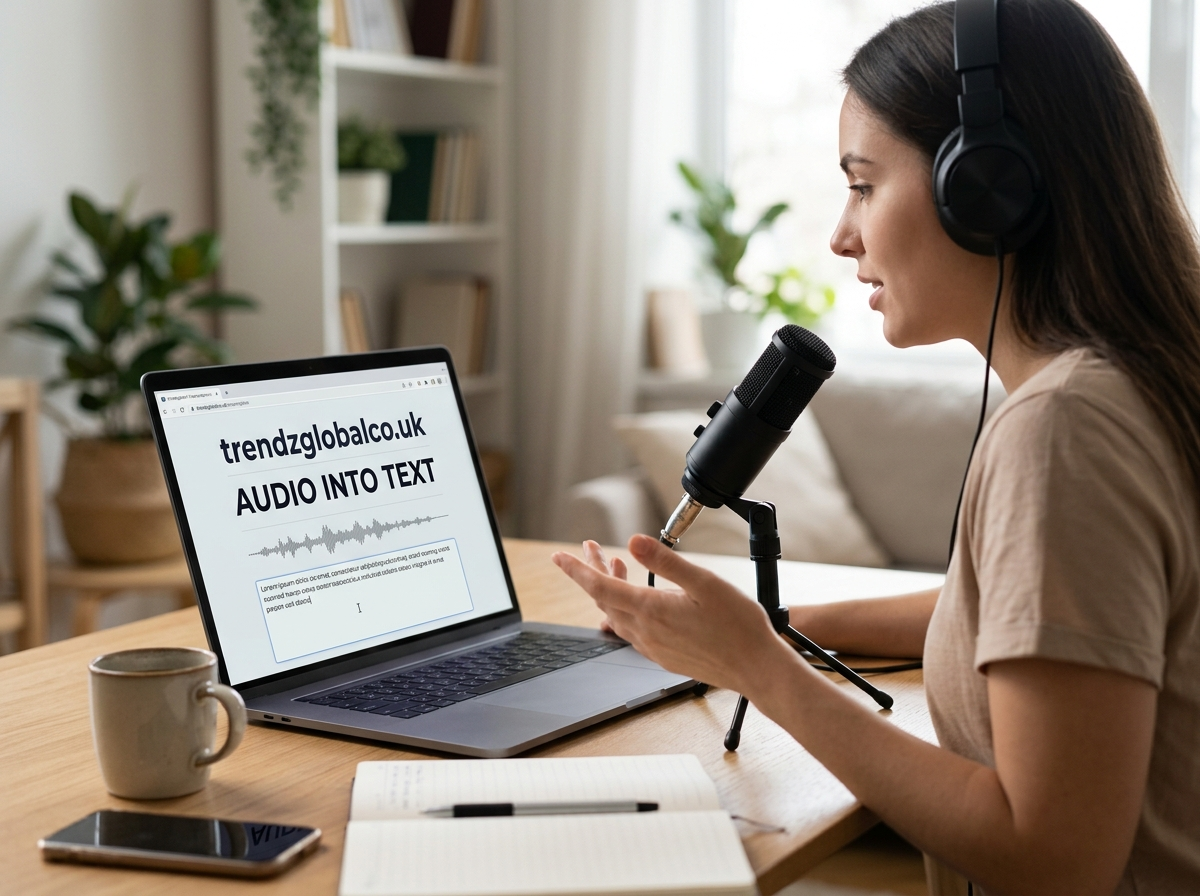
Converting audio into text helps you turn spoken words into written content without typing every sentence yourself. Whether you have a meeting recording, lecture, interview, podcast, or voice note, an audio-to-text tool can create a written version that is easier to read, search, edit, and share.
AI transcription tools can process many types of audio files in minutes, depending on the recording length, file format, and service you choose. Some tools also identify different speakers, add punctuation, and include timestamps. The final result may still need proofreading, especially when the recording contains background noise, unfamiliar names, or people speaking at the same time.
This guide explains how audio-to-text conversion works, how to convert an audio file, which formats are commonly supported, and what to consider when choosing a transcription tool.
What Does Audio Into Text Mean?
Audio into text means converting spoken words from an audio recording into written text. This process is also called audio transcription or speech-to-text conversion. Instead of listening to an entire recording and typing every word manually, you can use software to recognize speech and produce a text transcript.
For example, a student can turn a recorded lecture into study notes, a journalist can transcribe an interview, and a business professional can create written records of a meeting. Content creators can also use transcripts to prepare captions, blog posts, or summaries from spoken material.
Modern transcription tools often use automatic speech recognition (ASR) and artificial intelligence to process speech. Some tools produce a basic transcript, while others offer speaker labels, punctuation, timestamps, and translation features. The available features depend on the service and the selected plan.
How to Convert Audio Into Text
Converting audio into text is usually straightforward. Most online transcription services follow a similar process, although their interfaces, supported file types, and language options may differ.
Start by choosing an audio-to-text tool that supports your recording format and spoken language. Upload your audio file, or import it through an available recording or cloud-storage option. Some tools also let you record directly through a microphone. Check the service’s file-size and duration limits before uploading a long recording.
Next, select the language spoken in the audio if the tool does not detect it automatically. Start the transcription process and wait for the software to generate the text. Short recordings may finish quickly, while longer files can take more time. Once the transcript is ready, read through it and correct any mistakes. You can then copy the text or download it in a supported format, such as TXT, DOCX, or SRT.
For better results, use a clear recording with minimal background noise. If several people are speaking, check whether the tool supports speaker identification. Always review important details, including names, dates, figures, and technical terms, before using the transcript.
How Does Audio-to-Text Technology Work?
Audio-to-text technology uses speech recognition to identify spoken words in a recording. The software processes the audio signal and analyzes speech patterns to determine which words were spoken. AI-based systems use trained models to recognize language, sounds, and word sequences.
The process can be more difficult when speakers have strong accents, speak quickly, or use uncommon vocabulary. Background noise, poor microphone quality, and overlapping conversations can also affect the result. This is why the same audio file may produce different transcripts when processed by different tools.
Some transcription services offer features beyond basic speech recognition. Speaker diarization identifies which person is speaking, while timestamps show when specific words or sections occur. Punctuation and paragraph breaks can make the transcript easier to read. However, these features are not available in every tool, and automated results should not be treated as perfectly accurate.
Best Ways to Convert Audio Into Text
The best method depends on the type of recording, your budget, and how accurate the final transcript needs to be. An online audio-to-text converter is a convenient choice when you want to upload a file and receive a transcript without installing software. These tools are useful for voice notes, interviews, lectures, and recorded meetings.
AI transcription software is another option, especially for longer recordings or work that requires speaker labels and timestamps. Some services can also summarize transcripts or organize meeting discussions into sections. Before choosing one, compare language support, transcription limits, export options, and privacy policies.
Built-in voice typing can work well when you want to dictate new text rather than transcribe an existing recording. You speak into a microphone, and the software types the words as you talk. This is different from uploading an audio file for transcription, and the available features depend on your device and application.
Manual transcription remains useful when every word matters. A person can listen carefully, replay unclear sections, and check specialized terminology. For legal, academic, medical, or other important records, manual review may be necessary even when AI creates the first draft.
Can You Convert Audio Into Text for Free?
Yes, you can convert audio into text for free with certain online tools, speech recognition services, and built-in device features. Free options can be suitable for short recordings, personal notes, classroom lectures, and occasional transcription tasks. Some services let you upload an audio file, generate a transcript, and copy or download the result without paying.
However, free plans often have restrictions. A service may limit the number of transcription minutes, the length of each file, the supported formats, or access to advanced features. Some tools require an account, while others may add usage limits or restrict exports.
Before uploading a recording, check whether the free service meets your needs. If you transcribe audio regularly, compare the monthly cost and included minutes of paid plans. Do not assume that every tool advertised as free offers unlimited transcription or keeps uploaded recordings private by default.
Which Audio Formats Can Be Converted Into Text?
Many audio-to-text tools accept common formats such as MP3, WAV, M4A, and AAC. Support varies by service, so check the accepted file types before uploading your recording. Some tools also support formats such as FLAC, OGG, or audio extracted from video files.
MP3 is widely used for podcasts, voice notes, and compressed recordings because its files are generally smaller than uncompressed audio files. WAV is often used when recording quality is a priority, although file sizes can be larger. M4A is common on mobile devices, including recordings created with some Apple applications.
If your file is not supported, you may be able to convert it to a compatible format using an audio converter. Keep a copy of the original recording and avoid unnecessary conversions that could reduce sound quality. A clear recording is usually more useful for transcription than a heavily compressed file with distorted speech.
Benefits of Converting Audio Into Text
One major benefit of audio-to-text conversion is that it makes spoken information easier to review. Listening to a long recording can take considerable time, particularly when you need to find one specific detail. A transcript allows you to search for keywords, scan paragraphs, and return to relevant sections without replaying the entire file.
Students can use transcripts to review lectures and prepare study materials. Researchers and journalists can search interviews for important statements, while teams can create written records of discussions and decisions. Transcripts can also help people who prefer reading to listening or who need written material to follow spoken information.
Written transcripts give content creators more ways to use their recordings. A podcast transcript can become the basis for an article, newsletter, or social media post. Video transcripts can support caption creation, subject to editing and timing requirements. A transcript can also be translated into another language when the selected service supports translation or when a separate translation tool is used.
How Accurate Is Audio-to-Text Conversion?
Audio-to-text accuracy depends on recording quality, language support, the speaker’s accent, and the transcription system. A clear recording with one person speaking at a steady pace is generally easier to transcribe than a noisy recording with several people talking over one another.
Specialized words can cause errors, especially when a recording contains names, abbreviations, product names, or technical expressions. Automatic systems may also confuse words that sound alike. Even when a transcript reads naturally, it may contain mistakes that change the meaning of a sentence.
You can improve results by recording in a quiet room, placing the microphone close enough to capture speech, and avoiding interruptions. Select the correct language and review any available speaker settings. After transcription, listen to unclear sections again and check names, numbers, dates, and quotations against the original audio.
For important records, do not rely on the transcript without verification. If you need a word-for-word transcript, check whether the service includes repetitions, filler words, and false starts or automatically removes them. Different tools may produce edited transcripts rather than exact records of everything spoken.
Is It Safe to Convert Audio Into Text Online?
Online transcription tools can save time, but privacy matters when uploading audio. A recording may contain business discussions, personal conversations, customer details, unpublished research, or other confidential information. Before using a service, read its privacy policy and check how it handles uploaded files and generated transcripts.
Look for information about data retention, deletion options, access controls, and whether recordings may be used to train AI models. Do not assume that a file is deleted immediately after transcription. If you are handling confidential information, choose a service that meets your organization’s security requirements or consider an approved offline transcription option.
You should also have permission to record and transcribe other people when required by applicable laws or workplace policies. Keep downloaded transcripts in a secure location and remove unnecessary copies when they are no longer needed. These steps can reduce privacy risks while allowing you to use transcription tools responsibly.
Common Uses of Audio-to-Text Conversion
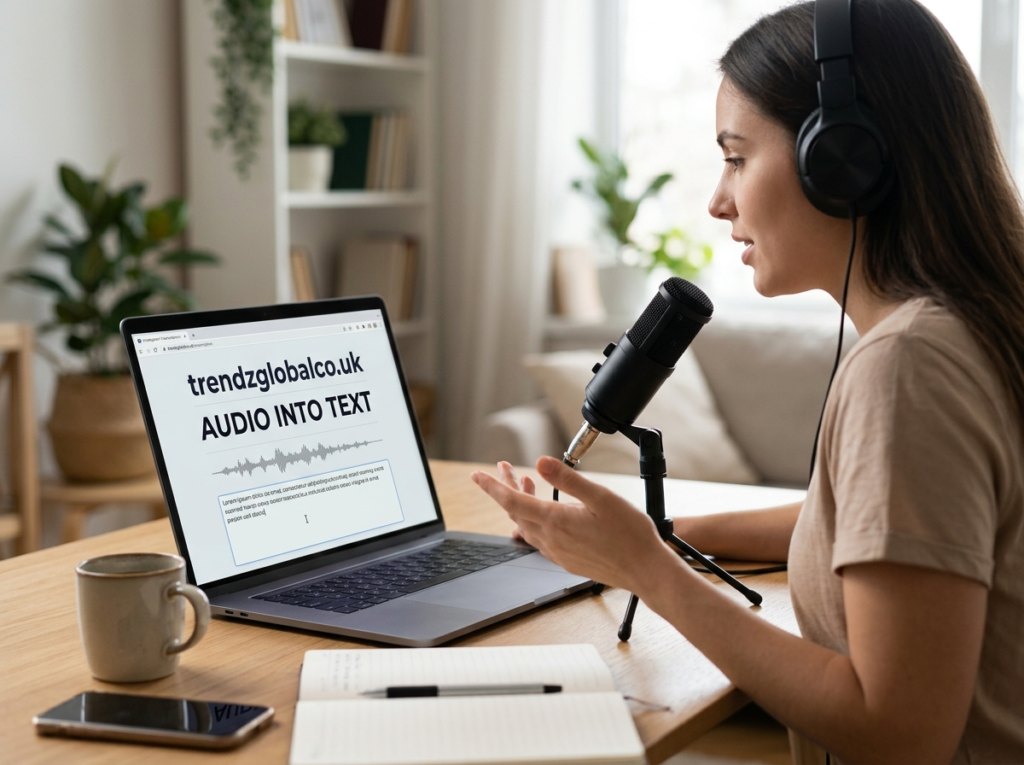
Audio transcription is useful in education, business, research, media production, and everyday communication. Students can convert lectures into searchable notes and review difficult topics before an exam. Teachers may use transcripts to prepare learning materials, while researchers can organize interviews for later analysis.
Businesses often transcribe meetings, interviews, presentations, and training sessions. A written transcript helps team members review what was discussed, identify decisions, and locate important details. Speaker labels and timestamps can be useful when a recording includes several participants.
Podcasters, video creators, and journalists can use transcripts to prepare captions, articles, show notes, and written versions of spoken content. Individuals can also convert voice notes into text when they want to save ideas without typing. The most suitable method depends on the recording’s purpose, the required level of accuracy, and the time available for editing.
Frequently Asked Questions About Audio Into Text
How can I convert audio into text for free?
Choose a free transcription service that supports your audio format and language. Upload the recording, select the correct language if needed, and start transcription. Review the generated text for errors before copying or downloading it. Check any limits on file length, monthly minutes, and exports.
Can I convert an MP3 file into text?
Yes. Many audio transcription services support MP3 files. Upload the file to a compatible tool and allow it to process the recording. If the service does not accept MP3, check its supported formats and convert the file if necessary.
Is there an AI tool that converts audio into text?
Yes. AI transcription tools use speech recognition to turn spoken words into written text. Depending on the service, they may also identify speakers, add timestamps, and generate summaries. Compare language support, accuracy, pricing, and privacy terms before selecting a tool.
Can I convert audio into text on my phone?
Yes. You can use a mobile transcription app, an online tool through your browser, or a built-in voice typing feature. Some tools accept existing audio files, while others only type words spoken into the microphone. Check the app’s permissions and file support before use.
How do I convert audio into text without typing?
Use an automatic speech-to-text tool. Upload your recording, choose the language, and start transcription. The software generates a written version of the speech, so you do not have to type every word manually. You should still proofread the result.
What is the most accurate way to transcribe audio?
Start with a clear recording, select the correct language, and use a transcription tool suited to your needs. Review the output while listening to the original audio, paying close attention to names, figures, technical terms, and unclear speech. For records where exact wording matters, have a qualified person check the transcript.
Conclusion
Audio into text conversion makes it easier to turn recordings into written information for study, work, research, and content creation. Online converters and AI transcription tools can produce text from many common audio formats, while built-in voice typing is useful for dictation.
