



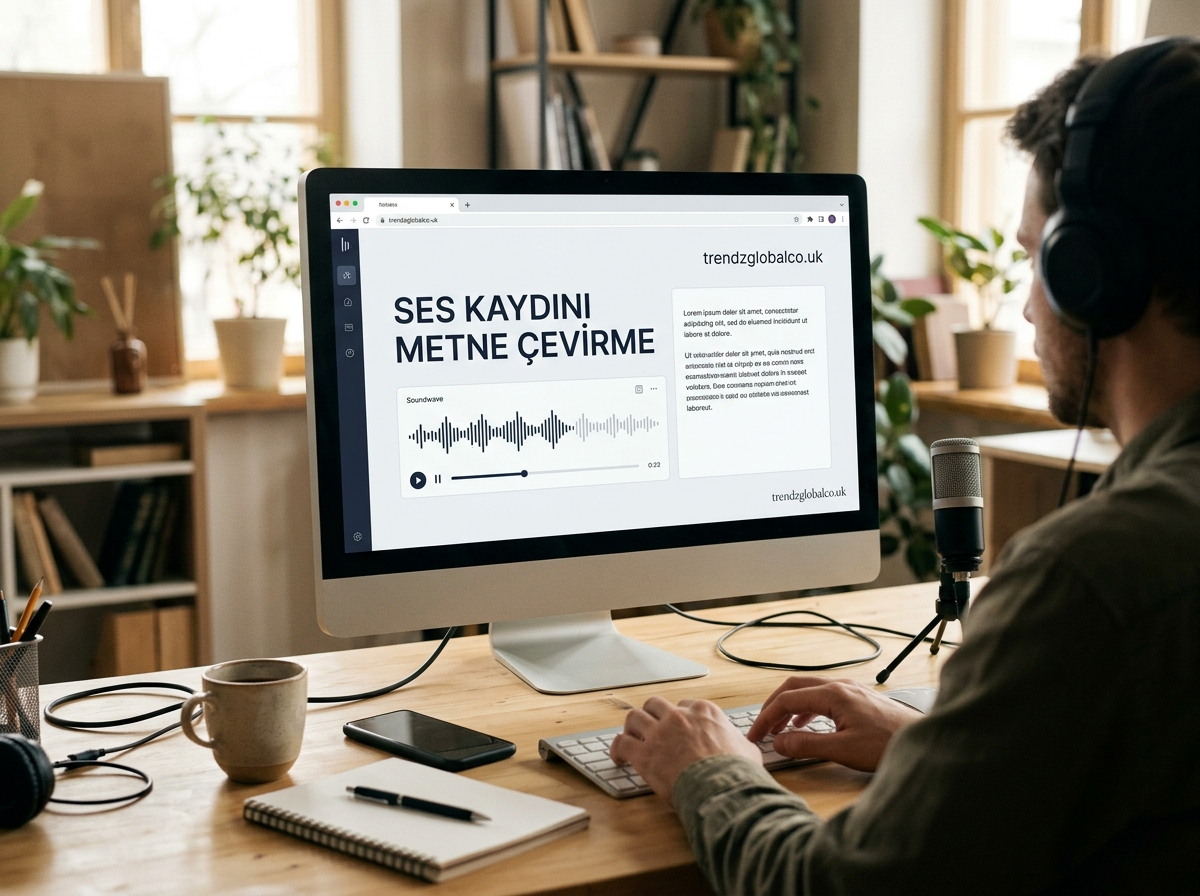
Converting audio to text is a simple way to turn spoken words into written content. Students can use it to create lecture notes, professionals can prepare meeting records, and journalists can transcribe interviews without typing every word manually. Audio transcription also helps content creators turn recordings into articles, captions, and written summaries.
You can convert an audio recording into text by uploading a file to an online transcription tool or using speech-to-text software. Many tools support common formats such as MP3 and WAV, while some allow you to transcribe speech directly through a microphone. The best option depends on your language, recording length, accuracy needs, budget, and privacy requirements.
What Is Audio-to-Text Transcription?
Audio-to-text transcription is the process of converting spoken language into written text. It is also known as audio transcription or speech-to-text conversion. For example, you can turn a recorded lecture into written notes or convert a business meeting into a document that team members can review later.
There are two common transcription methods: manual and automatic. Manual transcription requires someone to listen to the recording and type the spoken words. Automatic transcription uses speech recognition technology to identify words and generate text.
Automatic transcription is usually faster, especially for long recordings. However, the results may contain errors when the audio includes background noise, unfamiliar accents, overlapping conversations, or technical terms. Reviewing the final text helps improve its accuracy.
How to Convert an Audio Recording to Text
Converting an audio recording into text usually takes only a few steps. The exact process depends on the tool you choose, but most online transcription services follow a similar workflow.
First, prepare your audio file on your phone or computer. Open a transcription tool that supports your recording format and upload the file. If the tool asks you to select a language, choose the language spoken in the recording. This setting can affect how accurately the software recognizes words.
Next, start the transcription process and wait for the tool to generate the text. The processing time depends on the recording’s length, audio quality, and the service you use.
Once the transcript is ready, read through it and correct any mistakes. Pay particular attention to names, dates, numbers, punctuation, and specialized vocabulary. You can then copy the text or download it in a supported format, such as TXT or DOCX.
Best Tools for Converting Audio to Text
The right audio-to-text tool can save time and reduce the amount of manual typing required. Different tools offer different features, so compare their language support, file limits, pricing, and transcription quality before choosing one.
AI transcription tools are useful for converting existing recordings into written documents. Depending on the service, they may also identify different speakers, add timestamps, or generate summaries. These features can help people who regularly work with interviews, lectures, and meeting recordings.
Voice typing tools are better suited to writing text while speaking. For example, Google Docs voice typing can recognize speech through a microphone in supported browsers and languages. However, voice typing is not the same as uploading an existing audio file for automatic transcription.
When comparing tools, check whether they support your language and audio format. Some services offer free plans with limits on recording length or monthly usage. Others charge for longer recordings or provide extra features through paid subscriptions.
How to Convert Audio to Text for Free
You can convert audio to text for free with certain online services, built-in dictation features, and applications that offer free transcription allowances. The available features vary, so check the current terms before uploading a large recording.
For short spoken notes, a device’s voice typing feature may be enough. Open a document or note-taking app, activate the microphone, and speak clearly. The software will turn your speech into text as you talk. This method works best when you want to create new text rather than transcribe a recording that already exists.
If you have an MP3 or WAV file saved on your device, look for a transcription service that supports audio uploads. Some free plans limit the number of minutes you can process, the size of each file, or the number of exports.
Free tools can be a good starting point for occasional transcription. If you regularly process long recordings, compare the free allowance with the features and prices of paid services before deciding which option suits you.
How to Convert Audio to Text on a Phone
You can transcribe audio recordings on Android phones and iPhones using compatible mobile applications or web-based services. The available options depend on your device, operating system, language settings, and the features supported by each application.
On Android, speech-to-text features can help you create written notes by speaking into your microphone. To transcribe an existing recording, you may need an application or online service that accepts audio file uploads. Select your recording, choose the correct language, and start the transcription.
iPhone users can also use supported dictation features to turn live speech into text. However, dictation does not automatically mean that an existing audio file can be uploaded and transcribed. For saved recordings, choose a service that specifically supports file-based transcription.
After the transcription is complete, review the text and save it in your preferred notes or document application. If you need to share the transcript, check whether the service allows you to copy, export, or download the text.
How to Convert Audio to Text in Different Languages
Language selection is an important part of audio transcription. A tool may perform well with English recordings but produce less accurate results with another language. Before uploading a recording, confirm that the service supports the language spoken in the audio.
For Turkish recordings, for example, the software needs to recognize Turkish words, characters, sentence structures, and common expressions. Similar considerations apply to other languages, regional accents, and recordings that contain more than one language.
Recording quality also affects the result. Clear speech, limited background noise, and minimal interruption between speakers make it easier for speech recognition systems to identify words correctly.
After generating the transcript, check names, punctuation, and words that sound similar. If the recording contains technical vocabulary or regional expressions, compare uncertain sections with the original audio. A quick review can prevent small transcription errors from changing the meaning of a sentence.
How to Convert MP3, WAV, and Other Audio Files to Text
MP3 and WAV are common formats used for audio recordings. Many transcription services also accept formats such as M4A and AAC, although support varies between platforms.
To transcribe an audio file, open a service that supports its format and upload the recording. Select the correct language and begin processing. When the transcript is ready, review the text and export it in the format offered by the service.
If the file format is not supported, you may need to convert the recording into an accepted format first. Try to preserve the original audio quality during conversion, because excessive compression or very low volume can make speech harder to recognize.
Long recordings may require extra attention. Some services impose file-size or duration limits, while others support longer uploads. If necessary, split the recording into smaller sections and transcribe them separately. Keep the sections in the correct order when combining the resulting text.
How to Improve Audio Transcription Accuracy
The accuracy of an audio transcript depends on recording quality, speech clarity, language support, and the transcription system being used. Preparing a clear recording can reduce the number of mistakes and the time needed for editing.
Start by recording in a quiet environment. Keep the microphone at a suitable distance from the speaker and reduce background sounds such as traffic, television, or loud fans. If several people are speaking, ask them to take turns where possible. Overlapping speech can make automatic transcription less reliable.
Choose the correct language before starting the transcription. If the software supports speaker identification, consider using it for interviews and meetings involving multiple people. Timestamps can also help you locate specific sections of a long recording.
Always review the generated text before using it. Speech recognition systems may misinterpret names, numbers, dates, technical expressions, and words that sound alike. For academic work, business records, or important interviews, compare the transcript with the original recording rather than relying on the automated output alone.
Is It Safe to Convert Audio Recordings to Text Online?
The safety of online transcription depends on how the service handles uploaded files, generated transcripts, and personal information. Some providers store recordings for a period of time, while others offer deletion controls or different data retention settings.
Before uploading a recording, review the service’s privacy policy and understand how your data may be stored or processed. Check whether recordings are used to improve AI systems and whether you can delete your files after transcription.
Be especially careful with confidential meetings, customer conversations, financial information, and private recordings. Avoid uploading sensitive audio to an unfamiliar service. A locally installed transcription tool or a solution approved by your organization may be more suitable for confidential material.
You should also consider consent and applicable laws before recording or transcribing conversations involving other people. Choosing a convenient tool is only part of the process; protecting the recording and its written transcript matters too.
Frequently Asked Questions
Can I convert audio to text for free?
Yes. Some online transcription services offer free plans or a limited number of transcription minutes. You can also use voice typing for new speech. Check the available file formats, duration limits, and export options before choosing a service.
What is the best tool for converting audio to text?
The best tool depends on your language, recording length, budget, and accuracy requirements. Compare language support, file upload options, speaker identification, export formats, and privacy policies. Testing a short recording can help you assess the results before processing a longer file.
How do I convert an audio recording to text on my phone?
Open a compatible transcription application or online service, upload the saved recording, select the spoken language, and start the process. Review the generated transcript and save it to your device. If you only need to write down live speech, your phone’s dictation feature may be sufficient.
Can I convert a WhatsApp voice message to text?
Depending on your device, language, and application version, WhatsApp may offer a built-in voice message transcription feature. If that feature is unavailable, you may be able to export the audio and upload it to a compatible transcription service. Consider privacy before transferring private messages to an external platform.
Can an MP3 file be converted into text?
Yes. Upload the MP3 file to a transcription service that supports the format. Select the correct language and start transcription. Once the text is generated, check it for errors and download it if the service provides an export option.
How accurate is AI audio transcription?
Accuracy varies according to audio quality, speaking speed, background noise, accents, language support, and the model used. Clear recordings generally produce better results than recordings with overlapping speech or heavy background noise. Important transcripts should always be checked against the original audio.
Can I transcribe long audio recordings?
Yes, provided the tool supports the recording’s length and file size. Some services can process long recordings directly, while others require you to split the audio into smaller sections. After transcribing separate sections, combine the text in the correct order and check for missing words.
Is online audio transcription secure?
Security depends on the provider’s data handling and privacy practices. Review its storage, deletion, and data-use policies before uploading recordings. For confidential audio, consider a trusted service approved by your organization or software that processes recordings locally.
Conclusion
Converting audio to text is a practical way to create written versions of lectures, interviews, meetings, and everyday conversations. Online transcription tools, mobile applications, and voice typing features offer different ways to turn spoken words into text.
Choose a method that supports your language and recording format, fits your budget, and meets your privacy needs. For the best results, use clear audio and review the final transcript carefully. A few minutes of checking can help you correct errors and create a more reliable written record.
