



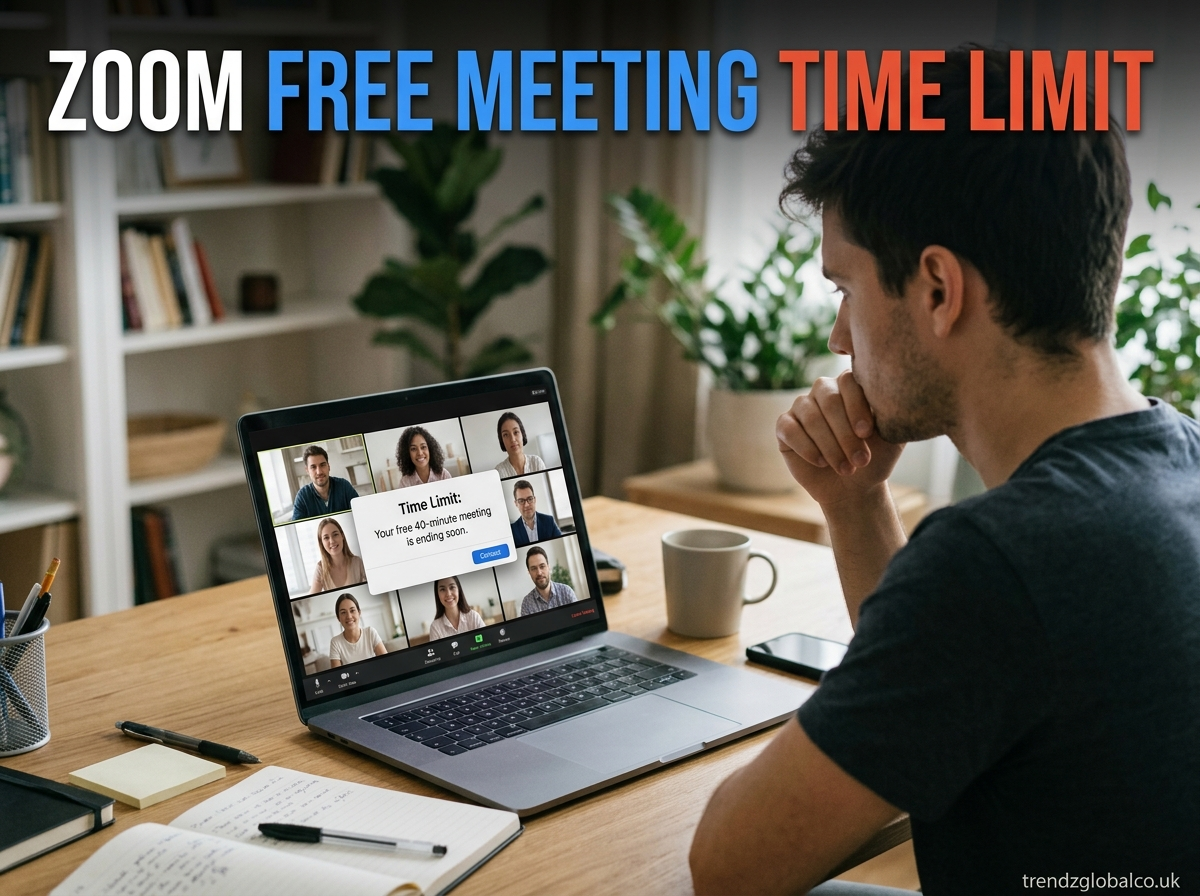
Zoom is a popular choice for online classes, office meetings, interviews, and video calls with friends. Its free plan lets users host meetings without paying a monthly fee. However, there is a time limit that you should know before starting a long conversation.
The Zoom free meeting time limit is 40 minutes for most meetings hosted by a free Basic account. This applies to one-on-one calls and group meetings when the host and at least one participant are present. The free plan supports up to 100 participants by default.
What Is the Zoom Free Meeting Time Limit?
Zoom’s free Basic plan allows users to host meetings for up to 40 minutes per session in most cases. After the time limit is reached, the meeting ends automatically. You can create and host another meeting afterward, but the same limit applies.
For example, if you start a meeting at 2:00 p.m., you should plan to finish by around 2:40 p.m. This is useful to remember when arranging an online lesson, team discussion, or appointment.
The free plan also supports up to 100 participants by default. This makes it suitable for small teams, study groups, and family calls. However, the number of people who can join does not affect the meeting duration. A meeting with two people and a meeting with a larger group can both reach the 40-minute limit.
Does Zoom Free Have a 40-Minute Limit for One-on-One Meetings?
Yes. Zoom’s free Basic plan has a 40-minute limit for one-on-one meetings as well as group calls. The rule applies to meetings hosted by Basic users, even if their accounts are part of an organization that pays for Zoom.
For example, a student using a free account to speak with a teacher may have to reconnect after 40 minutes. The same applies to a personal call with a friend or a work discussion with one colleague.
The host’s license determines the meeting duration. Joining a meeting with a paid Zoom account does not automatically give a free-account host extra time. If you need a longer call, check whether you have access to a licensed account through your school or workplace.
What Happens When a Free Zoom Meeting Reaches 40 Minutes?
When a meeting reaches its time limit, Zoom automatically ends the session. Participants may see a message that the meeting has ended and need to leave the session.
This can interrupt an important discussion if you have not finished your work. Before starting a meeting, decide which topics need the most attention and how much time each one will take.
If you know the session will last longer than 40 minutes, tell participants beforehand. Keep your notes and meeting links ready so everyone can return without confusion. For a class or business meeting, you can also schedule a short break before starting the next session.
Do not assume that the meeting will continue because everyone wants to stay connected. The free plan’s time restriction still applies when the session reaches its limit.
Can You Restart a Zoom Meeting After 40 Minutes?
Yes. You can start another meeting after the previous one ends. Zoom allows Basic users to host multiple meetings, so you are not restricted to a single meeting each day.
To restart, open the Zoom app or website and start a new meeting. You can also open a meeting that you scheduled earlier. Share the new invitation link with participants if they need it to join.
Keep in mind that starting another meeting does not remove the time limit. If you use the same free Basic account, the next meeting will also be subject to the 40-minute restriction.
For a longer class or discussion, plan the second session in advance. This helps everyone return quickly and continue from where they stopped.
How to Get More Than 40 Minutes on Zoom for Free
If you need more than 40 minutes, you have several options that do not require immediately purchasing a subscription.
Use an account provided by your school or employer. Some organizations provide paid Zoom licenses to students and employees. Ask your administrator whether you have access to one. Check that a paid meeting license is assigned to your account.
Split the meeting into separate sessions. You can finish one meeting and start another. This works for study groups, casual discussions, and occasional online classes, although participants will need to reconnect.
Compare other free meeting services. If you regularly need longer calls, look at other video-conferencing services and check their current time limits, participant capacity, and privacy features before choosing one.
Consider a paid Zoom plan. If you frequently host long meetings, a paid license may be more convenient than restarting sessions. Check the current plan details on Zoom’s official pricing page.
Avoid relying on online tricks that claim to remove the time limit permanently. The duration depends on the host’s license and the rules that apply to the account.
Zoom Free vs. Paid Plan: Meeting Time Limits
The main difference between Zoom Basic and a paid meeting license is the length of a meeting. The free plan is suitable for short calls, while eligible paid licenses allow longer sessions.
| Feature | Zoom Basic | Zoom Pro |
|---|---|---|
| Cost | Free | Paid |
| Meeting duration | Up to 40 minutes in most meetings | Up to 30 hours |
| Default participant limit | 100 | 100 |
| Multiple meetings | Yes | Yes |
| Best for | Short calls and study sessions | Longer meetings and regular work calls |
These details are based on Zoom’s published plan and support information. Features, prices, and account conditions can change, so check the official website before upgrading.
A free account may be enough if your meetings usually finish within 40 minutes. A paid license may be worth considering if you regularly conduct online classes, interviews, workshops, or client meetings that need more time.
How to Choose the Right Zoom Plan for Longer Meetings
Start by considering how long your meetings usually last. If you mostly make personal calls or hold short discussions, the free Basic plan may meet your needs.
Teachers, students, and trainers who regularly conduct sessions lasting an hour or more may prefer a licensed account. Before paying, check whether their school, college, or employer already provides one.
For businesses and freelancers, meeting interruptions can affect schedules and client discussions. A paid plan can be useful when longer sessions are a regular part of the workday.
Compare the available features, subscription price, and participant limit before making a choice. You do not need to upgrade simply because you use Zoom. Choose a plan that matches the length and purpose of your meetings.
Tips for Managing the Zoom Free Meeting Time Limit
A little preparation can help you make better use of the 40 minutes. Write a short agenda and share it with participants before the meeting begins. This gives everyone a clear idea of what needs to be discussed.
Open your documents and presentation files in advance. If you are leading an online class, prepare your questions and learning materials before students join. This avoids wasting meeting time on setup.
For a longer discussion, prepare a second meeting link and tell participants that they may need to reconnect. Allow a short break between sessions so everyone has time to return.
Finally, review your meeting needs every so often. If most sessions exceed 40 minutes, compare the cost of a paid license with the time spent restarting meetings.
Frequently Asked Questions About Zoom Free Meeting Time Limit
Is Zoom still free for 40 minutes?
Yes. Zoom’s Basic plan remains free and limits most meetings hosted by Basic users to 40 minutes when the host and at least one participant are present.
Does Zoom Free have a 40-minute limit for two people?
Yes. One-on-one meetings hosted by free Basic users are generally limited to 40 minutes, just like group meetings.
Can I restart Zoom after 40 minutes?
Yes. You can start another meeting and invite participants again. The new session will still have the same time limit if it is hosted by a free Basic account.
Does Zoom end the meeting automatically after 40 minutes?
Yes, in most cases when the host and at least one participant are present. A meeting with only the host can remain open longer while it stays active.
How many people can join a free Zoom meeting?
Zoom Basic supports up to 100 participants by default. The participant limit is separate from the meeting duration.
Can I host multiple meetings with a free Zoom account?
Yes. You can host multiple meetings, but most meetings with participants are limited to 40 minutes each.
How long can a paid Zoom meeting last?
Eligible users with paid meeting licenses can host meetings lasting up to 30 hours, subject to Zoom’s current terms and account conditions.
Conclusion
The Zoom free meeting time limit is 40 minutes for most meetings hosted by a Basic user. This includes one-on-one calls and group meetings, with up to 100 participants supported by default.
.
