



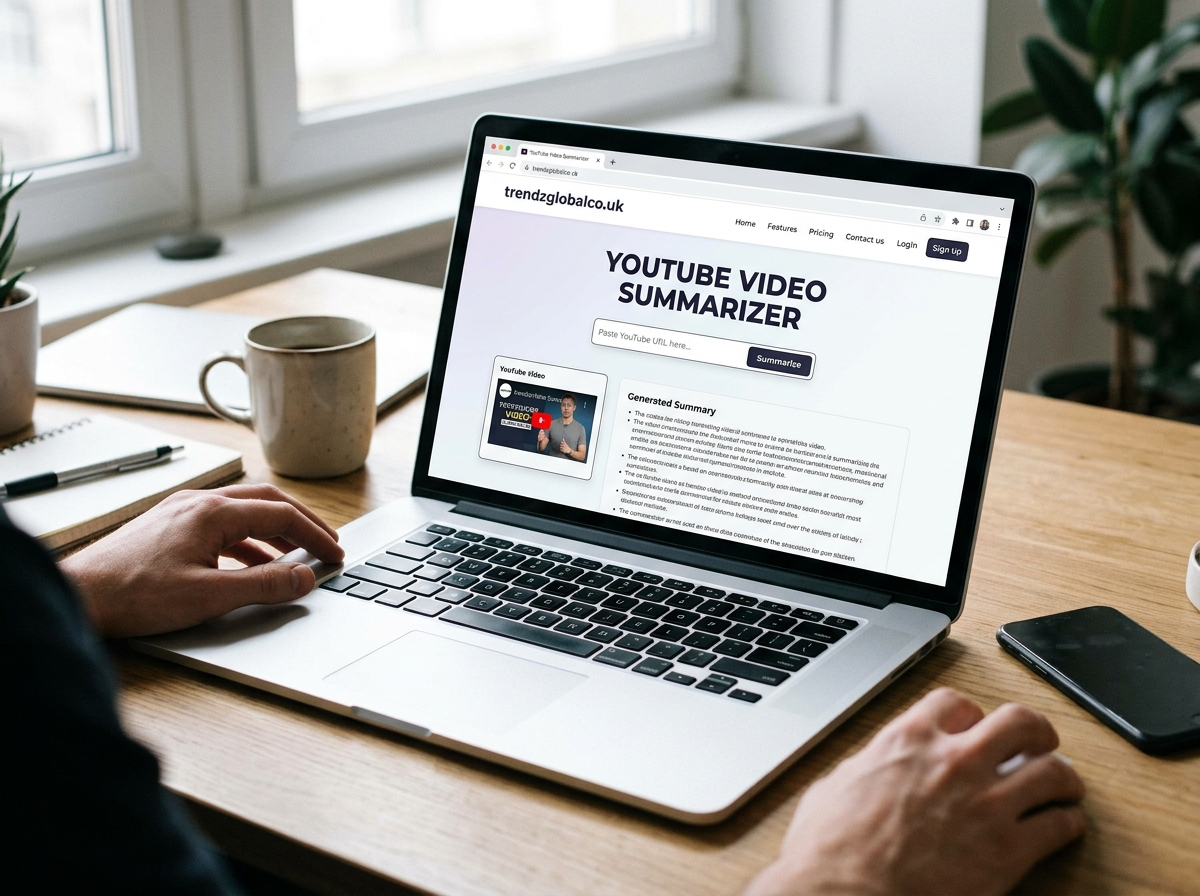
YouTube has millions of videos covering education, technology, business, health, entertainment, and many other topics. However, watching a 30-minute lecture or a two-hour discussion is not always possible. Sometimes, you only need the main ideas, important facts, or a quick explanation of the topic.
A YouTube video summarizer helps solve this problem by turning video content into a shorter version. Depending on the tool, you can get a brief overview, a list of key points, a transcript, or timestamps for important sections. Some tools use artificial intelligence (AI) to identify the main ideas and present them in simple language.
In this guide, you will learn how a YouTube video summarizer works, how to use one, which features matter, and how to check whether an AI-generated summary is accurate.
What Is a YouTube Video Summarizer?
A YouTube video summarizer is a tool that creates a shorter version of a video’s content. Instead of watching the entire video, you can read a summary to understand its main subject and key points. Many modern summarizers use AI to process video transcripts and identify the information most relevant to the topic.
For example, imagine you find a 45-minute video about digital marketing. You want to learn about keyword research, content planning, and audience targeting but do not have time to watch the whole presentation. A summarizer may provide a short overview of these topics and highlight the main lessons.
Different tools offer different features. Some generate summaries directly from a YouTube link, while others require a transcript. Certain tools also provide chapter summaries, timestamps, multilingual output, or question-answer features.
A video summary is not the same as a transcript. A transcript contains the spoken words from a video, whereas a summary condenses the content into a shorter explanation. If you need exact quotes, a transcript may be more useful. If you want to understand the main ideas quickly, a summary is often the better choice.
How Does a YouTube Video Summarizer Work?
Most AI-powered YouTube video summarizers follow a similar process. First, the tool obtains the video’s transcript or another supported form of content. It then processes the available text to identify important ideas, repeated themes, explanations, and conclusions.
The tool uses language-processing methods to organize those details into a shorter response. Depending on its capabilities, the result may include a paragraph, bullet points, chapter summaries, or a list of important takeaways.
The quality of the result depends on the information available to the tool. If a video has clear captions and well-organized speech, the summary may be easier to understand. Poor captions, technical terms, multiple speakers, or unclear audio can affect the result.
Another point to consider is visual information. A transcript-based summarizer may miss details shown only on the screen, such as charts, demonstrations, diagrams, or written instructions. For a cooking tutorial, software demonstration, or science experiment, watching the relevant video sections can provide information that a text summary cannot capture.
How to Summarize a YouTube Video Step by Step
You do not need advanced technical skills to summarize most supported YouTube videos. The exact process depends on the tool, but the following steps work for many online summarizers.
Step 1: Copy the YouTube video link.
Open YouTube and select the video you want to understand. Copy its URL from your browser’s address bar or use YouTube’s Share option. Choose a video that matches your learning or research needs.
Step 2: Open a YouTube video summarizer.
Choose a tool that accepts YouTube links. Before using it, check whether it supports your video’s language, length, and accessibility settings. Some services offer free summaries, while others require an account or paid subscription.
Step 3: Paste the link.
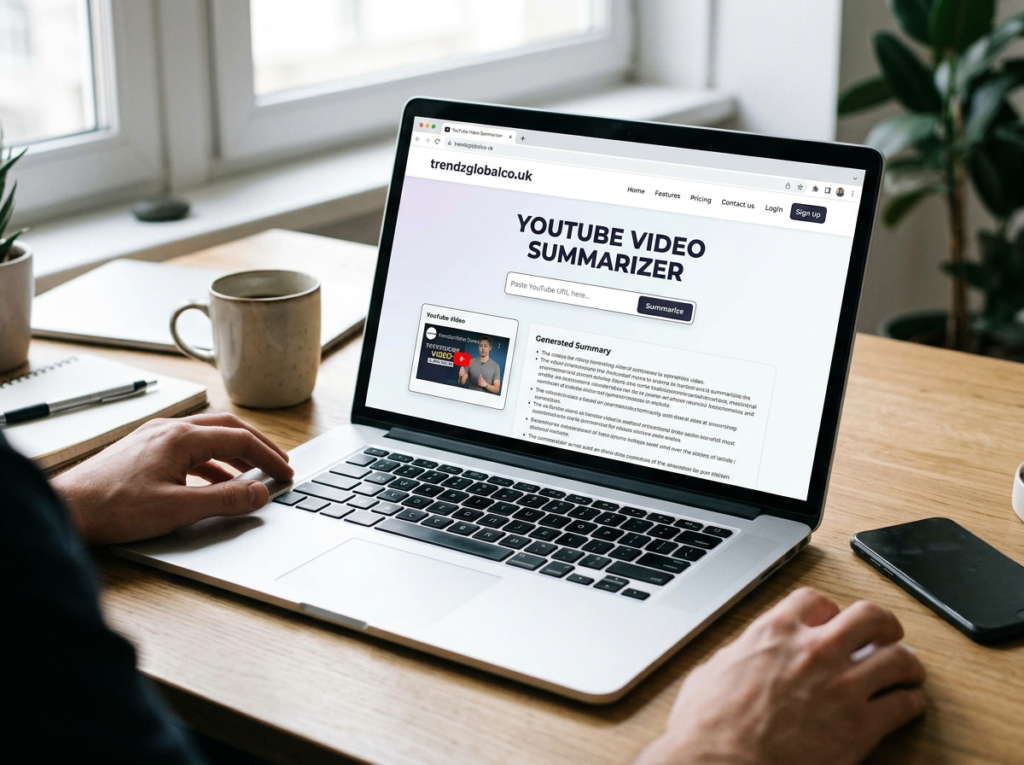
Place the copied URL in the tool’s input field. Depending on the service, you may need to click a button such as Summarize, Generate Summary, or Start.
Step 4: Review the generated summary.
Read the result and look for the central argument, main points, important examples, and final conclusions. If the tool provides timestamps, use them to jump to specific parts of the original video.
Step 5: Check important details.
Compare important claims, numbers, names, and instructions with the original video or transcript. This is especially useful when you are studying for an exam, preparing a report, or using the information for professional work.
If the link does not work, check whether the video is public, whether captions are available, and whether the tool supports that particular video. You can also try copying the transcript into a summarizer that accepts text.
Best Features to Look for in a YouTube Video Summarizer
Not every summarizer provides the same experience. The right choice depends on what you want to do with the video.
Short and detailed summaries: A short summary is useful when you only need the central idea. A detailed summary works better for lectures, interviews, and educational presentations where several points need explanation.
Transcript extraction: A transcript lets you search for specific words, review exact statements, and create notes. It is especially helpful when you want to confirm a detail from the summary.
Key points and timestamps: Key points make information easier to scan. Timestamps help you return to the relevant section without searching through the entire video.
Language support: If you watch videos in different languages, check whether the tool can process their transcripts and produce summaries in your preferred language. Translation quality may vary, especially when the video contains technical vocabulary or regional expressions.
Video-length limits: Some free services limit the number of summaries, the length of each video, or the number of requests you can make. Check these restrictions if you regularly summarize long lectures or webinars.
Privacy and data handling: Read the tool’s privacy policy before uploading confidential material or personal information. A public YouTube URL is different from private meeting content, and you should not assume every service handles submitted data in the same way.
Benefits of Using a YouTube Video Summarizer
A YouTube video summarizer can help people manage large amounts of video information. Its value depends on the task, the quality of the source material, and how carefully the summary is reviewed.
For students, summaries can make revision easier. A learner can use a summary to review a lecture, identify important concepts, and prepare questions for further study. However, the summary should support learning rather than replace all reading, practice, or classroom instruction.
Researchers and professionals can use summaries to review interviews, presentations, webinars, and educational videos before deciding which sources deserve closer attention. A short overview can help them identify relevant sections and reduce time spent searching for information.
Content creators may use summarizers when researching topics, planning scripts, or reviewing public discussions. A summary can reveal the main themes of a video, but it should not replace original research or be copied as someone else’s work. Facts and quotations should be checked against the source, and copyrighted material should be handled responsibly.
Online learners can also use summaries to decide whether a video matches their needs. For instance, someone learning spreadsheet formulas may want to check the topics covered before watching a full tutorial. They can then watch the sections that explain the formulas they need.
Who Should Use a YouTube Video Summarizer?
Students and teachers can use video summaries to review lessons, prepare revision notes, and identify topics that need further explanation. Teachers may also use them when evaluating educational resources for classroom activities.
Researchers and professionals can summarize relevant presentations, public lectures, and interviews. This can make it easier to identify useful material before reading the full transcript or watching selected sections.
YouTubers and content creators may use summaries to study subject matter, compare explanations, and plan their own content. They should confirm facts independently and avoid presenting another creator’s work as their own.
Busy viewers and online learners can use summaries to decide whether a video is worth their time. For practical tasks, such as repairing a device or learning a new software feature, they should still watch the relevant demonstrations when visual details matter.
A summarizer is most useful when you need an overview or want to find particular information. It is less suitable as the only source when a task depends on exact wording, visual evidence, or detailed step-by-step instructions.
Free vs. Paid YouTube Video Summarizer Tools
Free and paid summarizers can both be useful. The difference depends on the service, so it is better to compare specific features than assume a paid tool always produces better results.
Free tools may offer basic summaries, limited transcript access, or a certain number of requests. These features may be enough for someone who summarizes a few videos each week. However, free plans can include video-length limits, usage restrictions, or fewer export options.
Paid plans may offer higher usage limits, longer video support, saved history, advanced summaries, or integrations with note-taking applications. These features can help people who regularly process lectures, interviews, or lengthy presentations.
Before paying, check the subscription price, cancellation terms, supported languages, privacy practices, and actual video limits. Test the tool on a video you know well. Compare its summary with the original content to see whether it captures the main points correctly.
If you only need occasional summaries, start with a free option. Consider a paid plan when you have a clear need for features that the free version does not provide.
Can You Summarize a YouTube Video Without Watching It?
Yes, in many cases. A summarizer can create an overview from a video’s available transcript without requiring you to watch the entire recording. This is useful for lectures, interviews, tutorials, and discussions that contain clear spoken explanations.
However, the result depends on whether the tool can access or process the video’s content. Some tools retrieve available captions automatically. Others require you to provide the transcript yourself. Videos without accessible captions may need a service that supports audio transcription.
There is also a difference between understanding spoken content and understanding everything shown in a video. If a presenter explains a chart aloud, the transcript may contain enough information for a useful summary. If the presenter displays a chart without describing its details, a transcript-based tool may miss important evidence.
For that reason, a good approach is to read the summary first and then watch the relevant sections. You can use timestamps, if available, to find specific explanations. This method helps you save time while keeping access to the original context.
How Accurate Are AI YouTube Video Summaries?
AI-generated summaries can provide useful overviews, but their accuracy is not guaranteed. A summary may leave out important qualifications, misunderstand a technical phrase, mix up speakers, or present a claim without enough context.
The quality of the source transcript matters. Automatic captions can contain spelling mistakes, incorrect punctuation, and errors involving names or specialist terms. When a summarizer uses an inaccurate transcript, those errors can appear in the final result.
To check accuracy, compare the summary with the original video. Pay special attention to statistics, dates, names, quotations, and claims that influence a decision. If the summary includes timestamps, review those sections directly. If a transcript is available, use it to confirm exact wording.
Be especially careful with medical, legal, financial, and academic material. A short summary may omit exceptions, limitations, or important explanations. Use reliable primary sources when making important decisions, and do not treat an AI-generated summary as professional advice.
A useful summary should make the original content easier to understand. It should not be treated as proof that every statement in the video is true.
Common Problems With YouTube Video Summarizers
Several problems can prevent a summarizer from producing a useful result. Most relate to video access, transcript availability, tool restrictions, or the quality of the generated text.
The video link is not accepted. Check that you copied the complete URL and that the tool supports YouTube links. Some services do not accept certain shortened links or specific video formats.
Captions or transcripts are unavailable. Try a tool that supports transcription, if available, or obtain the transcript through an appropriate method. Do not assume that every YouTube video has captions that a third-party service can access.
The video is private or restricted. A tool may not be able to access private videos, age-restricted content, or videos that require account permissions. Follow the platform’s access rules rather than trying to bypass restrictions.
The summary misses important details. Request a more detailed summary, divide the transcript into sections, or use timestamps to review important parts. For long lectures, summarizing each chapter separately may produce more useful notes.
The output contains incorrect information. Check the original video and transcript. If a claim cannot be verified, do not repeat it as a fact. You can also compare the result with a second reliable source.
When choosing a tool, test it with a short, familiar video before using it for a large research project. This makes it easier to judge its accuracy, limitations, and suitability for your needs.
Frequently Asked Questions About YouTube Video Summarizers
Is a YouTube video summarizer free to use?
Some YouTube video summarizers offer free access, while others provide limited free plans with paid upgrades. Restrictions may apply to video length, daily requests, transcript access, or advanced features. Check the current terms of the service before using it regularly.
What is the best way to summarize a YouTube video?
Copy the video’s URL into a summarizer that supports YouTube links, generate the summary, and review its main points. If the tool cannot process the link, use a transcript-based method. Verify important facts against the original video.
Can AI summarize a YouTube video from a link?
Yes. Many AI summarizers accept a YouTube URL and retrieve an available transcript or process supported video content. Some require captions or a transcript to be provided manually, so results depend on the tool and the video’s accessibility.
Can I summarize YouTube videos without captions?
Sometimes. A tool with audio transcription capabilities may convert speech into text before creating a summary. If neither captions nor supported audio processing is available, the tool may not be able to summarize the video.
Are AI-generated YouTube summaries accurate?
They can be useful, but they may omit details or misinterpret statements. Check important facts, quotations, and technical explanations against the original video. Accuracy also depends on transcript quality and the summarizer’s capabilities.
Can a YouTube video summarizer work with long videos?
Some tools support long videos, while others impose duration or usage limits. Check the service’s current restrictions. If necessary, divide an accessible transcript into smaller sections and summarize each part before creating an overall summary.
Is a YouTube video summarizer useful for students?
Yes. Students can use summaries to review lectures, identify key concepts, and prepare study notes. They should still consult course materials, solve practice questions, and watch important demonstrations rather than relying only on a generated summary.
What is the difference between a video summary and a transcript?
A transcript records the spoken words of a video, while a summary presents its main ideas in a shorter form. Use a transcript when you need exact wording and a summary when you want to understand the main points quickly.
Conclusion
A YouTube video summarizer helps you understand long videos without watching every minute. It can turn supported video transcripts into short explanations, key points, and sometimes timestamped notes. These features are useful for students, researchers, professionals, and content creators who need to review information quickly.
The best tool for you depends on your needs. Check transcript support, summary quality, video-length limits, language options, privacy practices, and pricing before choosing a service. Most importantly, treat the generated summary as a starting point rather than a replacement for the original source.
For everyday learning, start with a short summary, identify the information you need, and revisit the relevant video sections. This approach saves time while helping you keep the context and details that matter.
